FOOD APP
LET’S CONNECT

Thank you for your time reviewing my work on the Food app!
If you would like to see more or get in touch, my contact information is provided below.
Oxford
perepelytsa.ad@gmail.com
+447342134384
SUMMARY
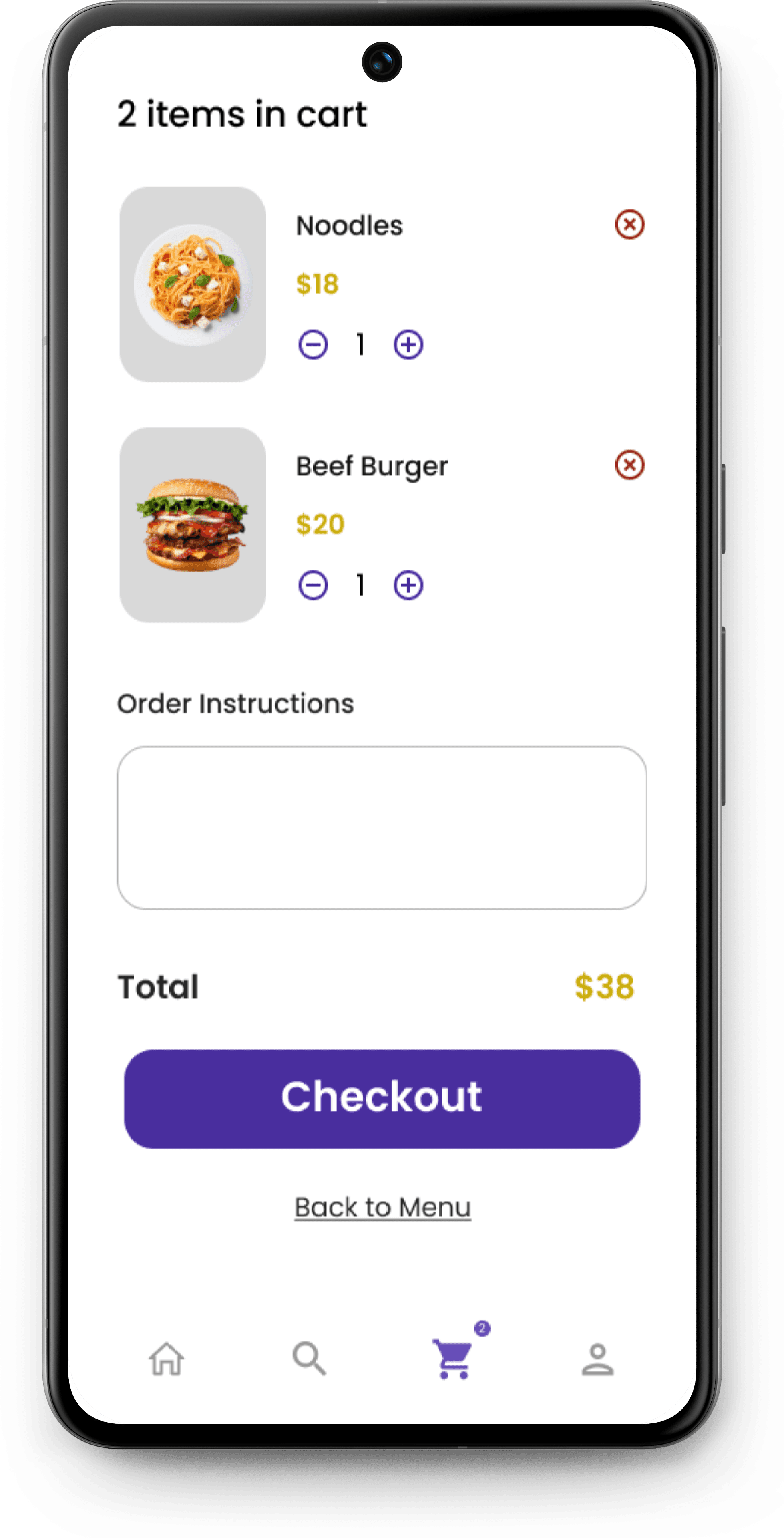
This app is a prime example of an intuitive interface and engaging design. The app layout is concise and straightforward, minimising distractions and guiding the user directly to сheckout. The use of consistent brand colours, fonts and rounded corner design elements across all screens provides a consistent user experience that builds user trust.
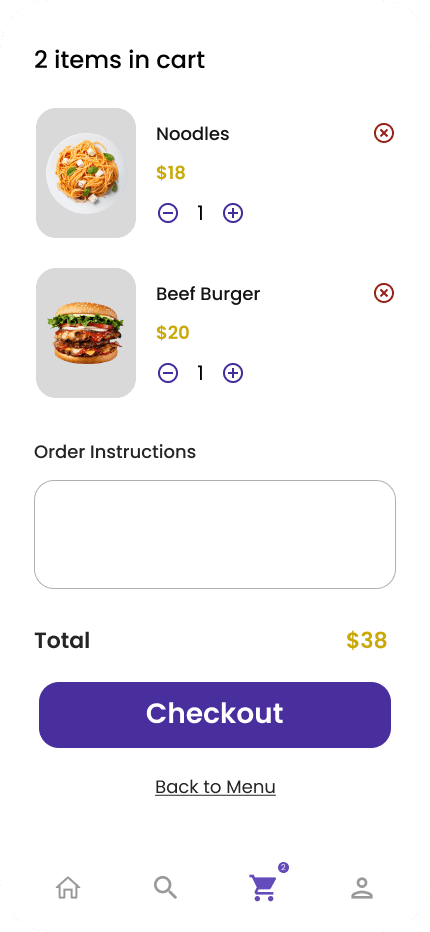
The last screen is designed to summarise the user's selected items and guide them toward the final purchase.
The screen is logically divided into three main sections: the cart summary at the top, an area for special instructions in the middle, and the total with the final call to action at the bottom.
The quantity selectors and remove buttons make it effortless for users to modify their order before checkout.
The design is minimal and clean, with a clear focus on the items in the cart.
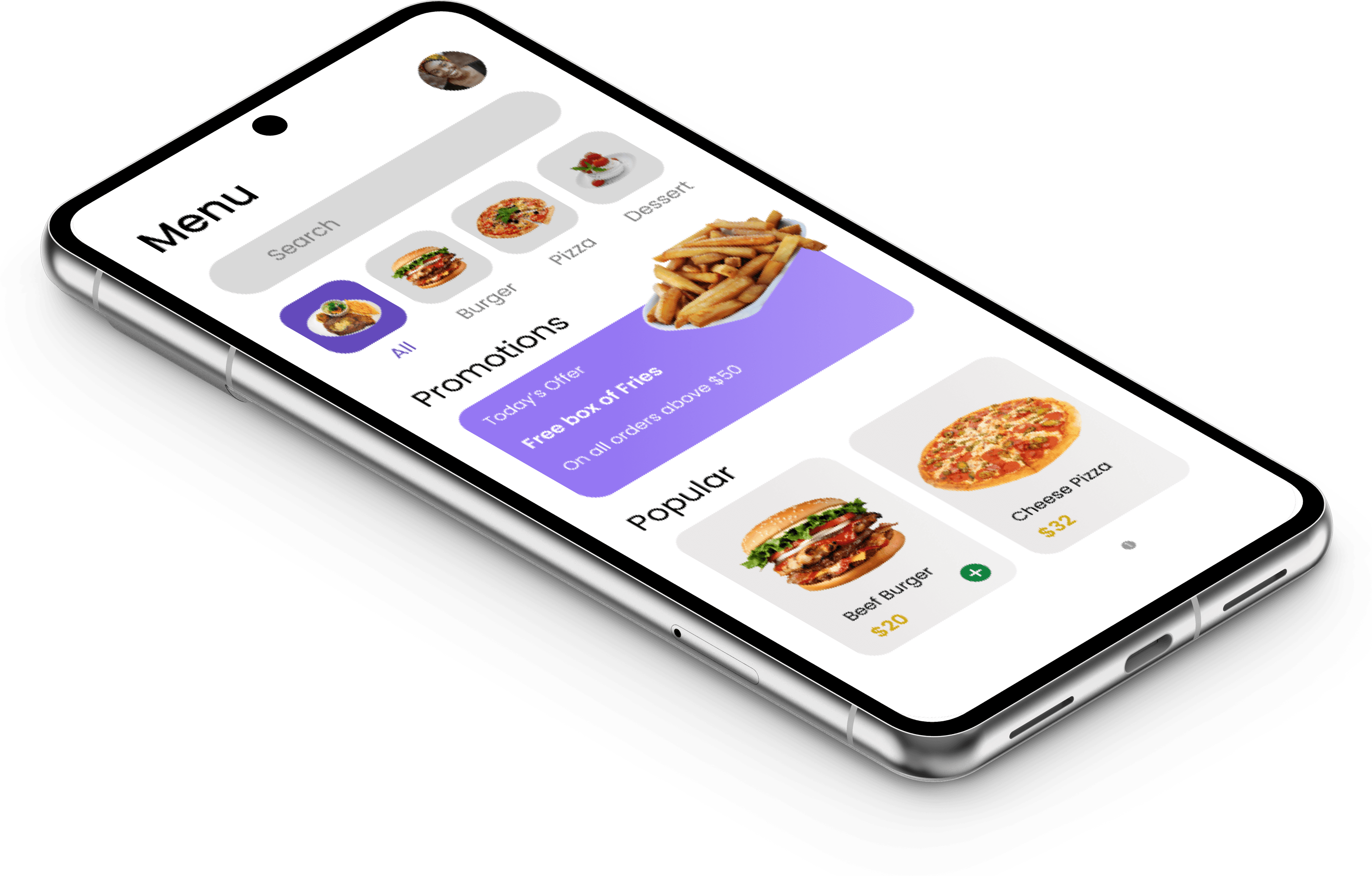
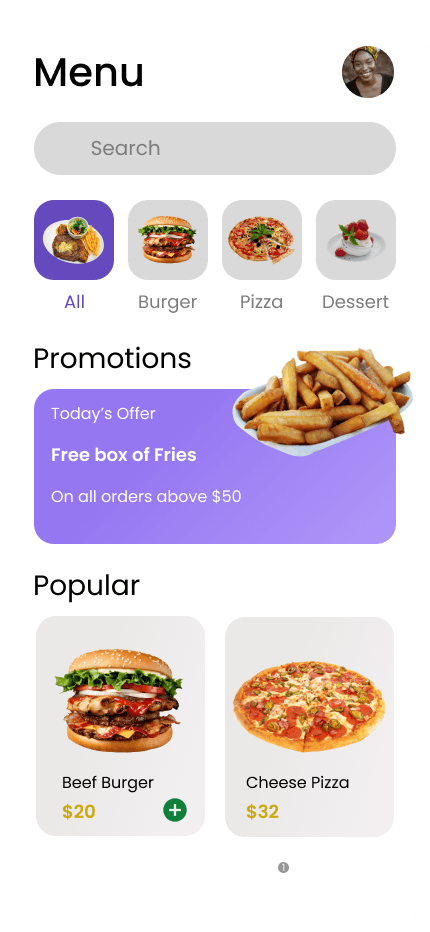
This screen is divided into clear sections with bold headings, making it easy for users to navigate. At the top of the screen is a menu header, followed by a search bar, category menu, promotions section, and finally a popular food section, making it easy to find food.
The search bar and category filters help users quickly narrow down their choices, while the promotions section effectively promotes special offers to drive sales.
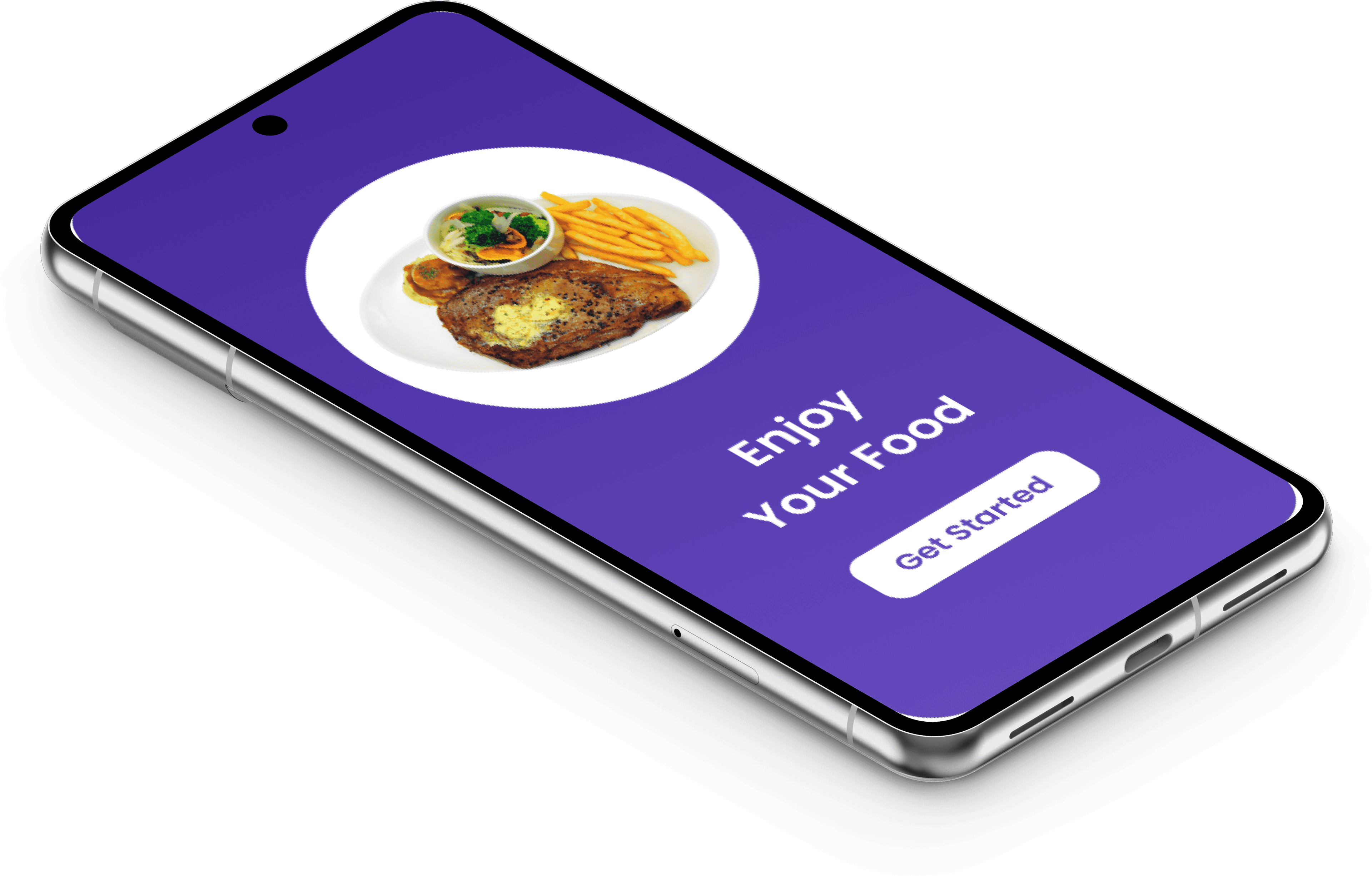
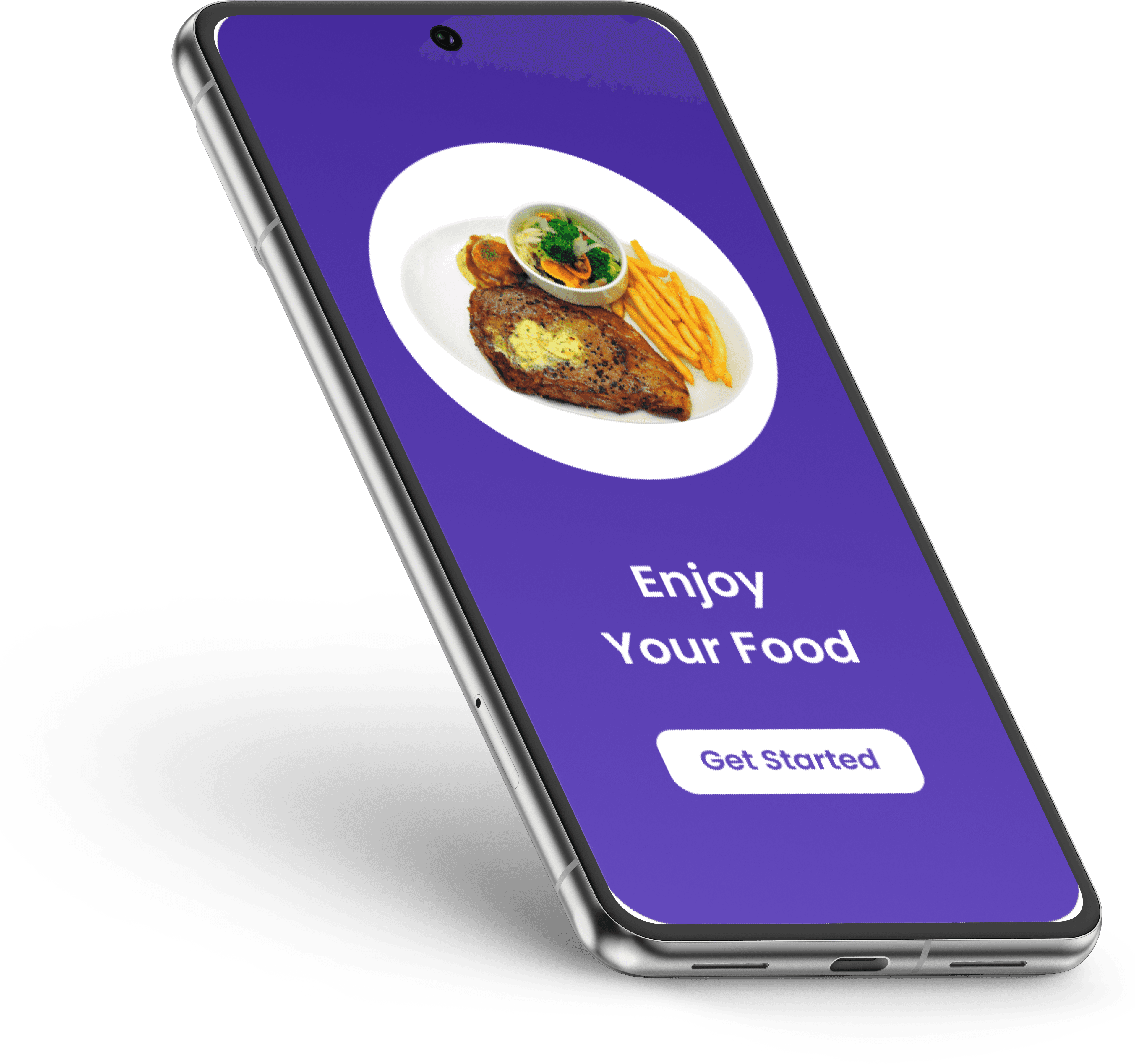
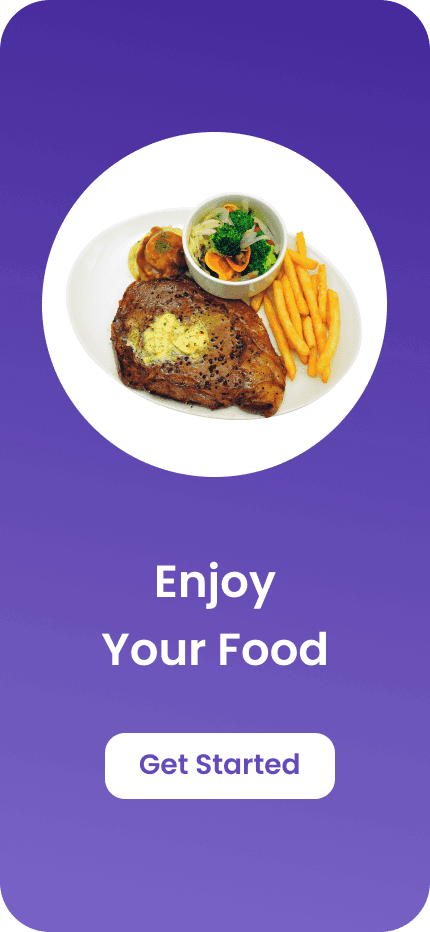
The first screen shows the splash screen for a food-related app. Its main purpose is to welcome the user, set the tone for the app and encourage them to begin their journey.
The dominant colour is purple with a gradient, which creates a bright and visually appealing background. The design is concise and minimalistic, with an emphasis on a single bright image and a clear call to action. The button is white, which creates a nice contrast with the darker background.
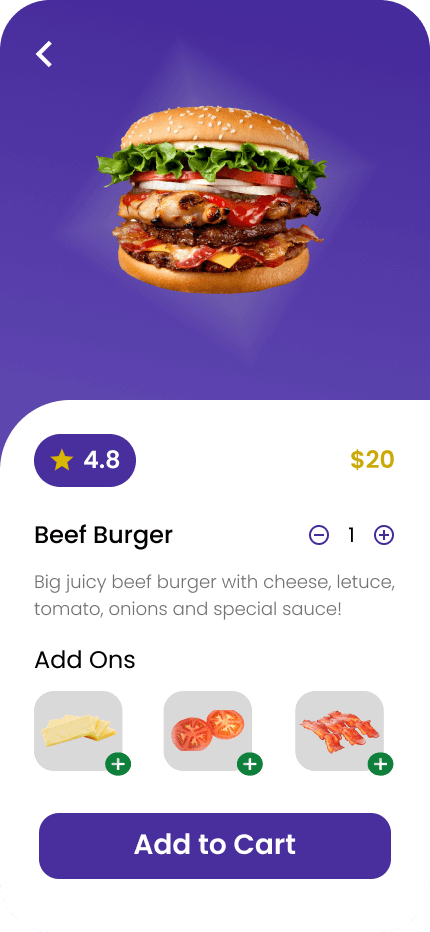
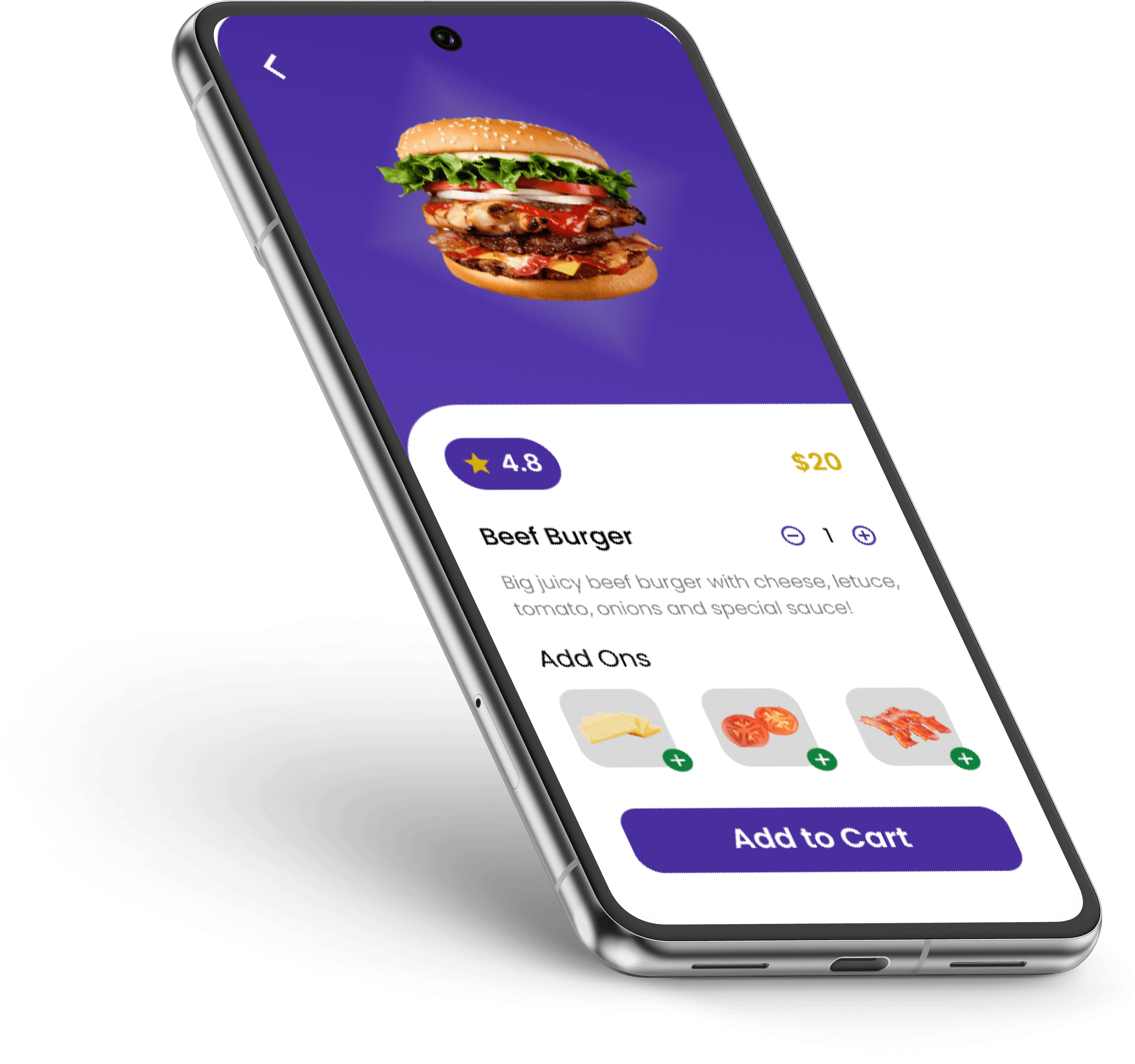
The design is focused on providing the user with all the necessary information to make a purchase decision, with a clear path to adding the item to their cart.
The screen is divided into two main parts: half of the screen is occupied by an image of a large burger, and the other half is an area with detailed descriptions and settings.
"Add to Cart" serves as the primary call to action. It stands out and is easy to tap, guiding the user to complete their order.