PROBLEM
Busy workers and people on a tight budget need more options for convenient ticket booking.
SOLUTION
Design a website that allows users to book a tickets and vote for movie rescreenings.
Cinema is a ticketing website that allows users to easily and intuitively perform basic actions related to searching and booking tickets. Through this website, I understood the specific users might encounter in the process of voting for movie re-runs. I want to create a product that can compete in the market and increase customer satisfaction.
PROJECT OVERVIEW
RESPONSIBILITIES
Conducting user research; defining the problem and providing insights to inform the ideation phase; defining personas, user journeys, empathy maps, and user flows; visual design of wireframes; visual design of low-fi and high-fi prototypes.
MY ROLE
UX designer designing a website from conception to delivery.
USER JOURNEY
Show which seats are best for children
Add an option to select the days on which the theater will show the movie again
Add the option to sort by date, time etc.
Sending a confirmation sms in case the person does not have wifi connection, etc.
Add information about which hall is showing a particular movie
Add a variety of payment options, including in-theater cash payments
IMPROVEMENT OPPORTUNITIES
A. Open the app
B. Choose a movie theater or movie
C. Open the "Schedule" tab
A. Choose a convenient session and click on it
B. Choose seats in the ticket purchase window
C. See the total price
A. Receive the ticket to the e-mail address
B. Check the email
C. Confirm the booking
A. Go to the movie theater
B. Scan the tickets
C. Get inside
A. Choose a convenient method of payment, specify your e-mail address
B. Proceed to payment
C. Pay for the purchase
TASK LIST
FEELING
NEGATIVE
NEUTRAL
POSITIVE
ACTION
Choose a movie
Check available showtimes
Pay for the tickets
Confirm the
booking
Go to the movie
theater
USER FLOW
Open
movie
section
Movie selection
Time/date
selection
Voting screen
Vote for a
movie re-
screening
Confirmation
Confirm
order?
Select a
payment
method
Payment
Select
food/drinks
Food/drinks
selection
Select
a seat
Seat selection
Y
N
Y
N
Found
a suitable
date?
Select
a movie
Search
nearest
location
Home screen
Open
app
PERSONA
“I love spending time with my daughter and
always try to make time for our favorite hobby”
Goals
To balance work with quality time spent on his hobbies
To spend a lot of time with his daughter
To find movie shows suitable for his irregular work schedule
Frustrations
‘Quite often I have to stay late at work, and that's how our family plans are canceled’
‘I don't want to deny my daughter a trip to the movies when we can't find a suitable showtime’
‘I would like to see movie theatres extend the showing or show some of them again after a certain time’
Carlos
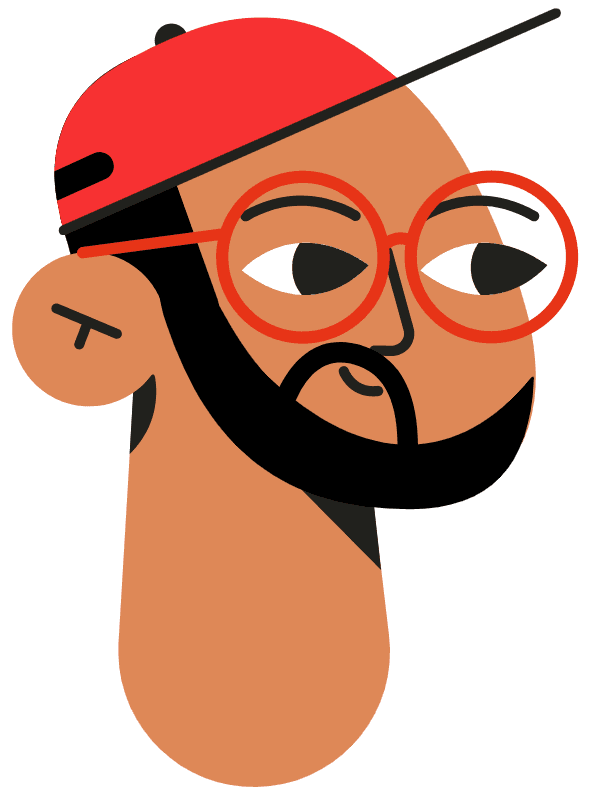
Carlos is a chef who lives in a small city and often overworks. Carlos cares a lot about being available to his daughter. He would like to be able to devote as much of his non-work time as possible to his hobbies and personal life, but may not be able to find as much time for these activities as he has more and more responsibilities at work. Carlos cannot always find suitable movie showtimes and would like theatres to extend the showing times of movies or show some of them again after a certain amount of time.
48
Culinary school
Bruges, Belgium
Married, 1 daughter
Chef
Age:
Education:
Hometown:
Family:
Occupation:
Project
Cinema
UX Research, UI & UX Design
Duration
12 Weeks
ACCESSIBILITY CONSIDERATIONS
Implemented a text hierarchy throughout the website/app. This helps users to distinguish the different sections and information on screen.
1
Used icons to help make navigation easier.
2
Used detailed imagery for movies to help all users better understand the designs.
3
USER RESEARCH
I conducted interviews and created empathy maps to understand the users I was designing for and their needs. A primary user group identified through research was working adults who do not have enough time to attend movie theaters. This user group confirmed initial assumptions about Cinema’s customers. Other user problems included obligations, interests, or challenges that make it difficult to purchase tickets through a website.
Working adults are too busy to go to movie theaters.
Time
1
Ticketing platforms are not accessible for people with visual impairments.
Accessibility
2
Users need a more intuitive way to access buttons and screens.
Intuitive Design
3
Users want more convenient and colourful arrangement of buttons.
Convenience
4
USABILITY STUDY: RESULTS
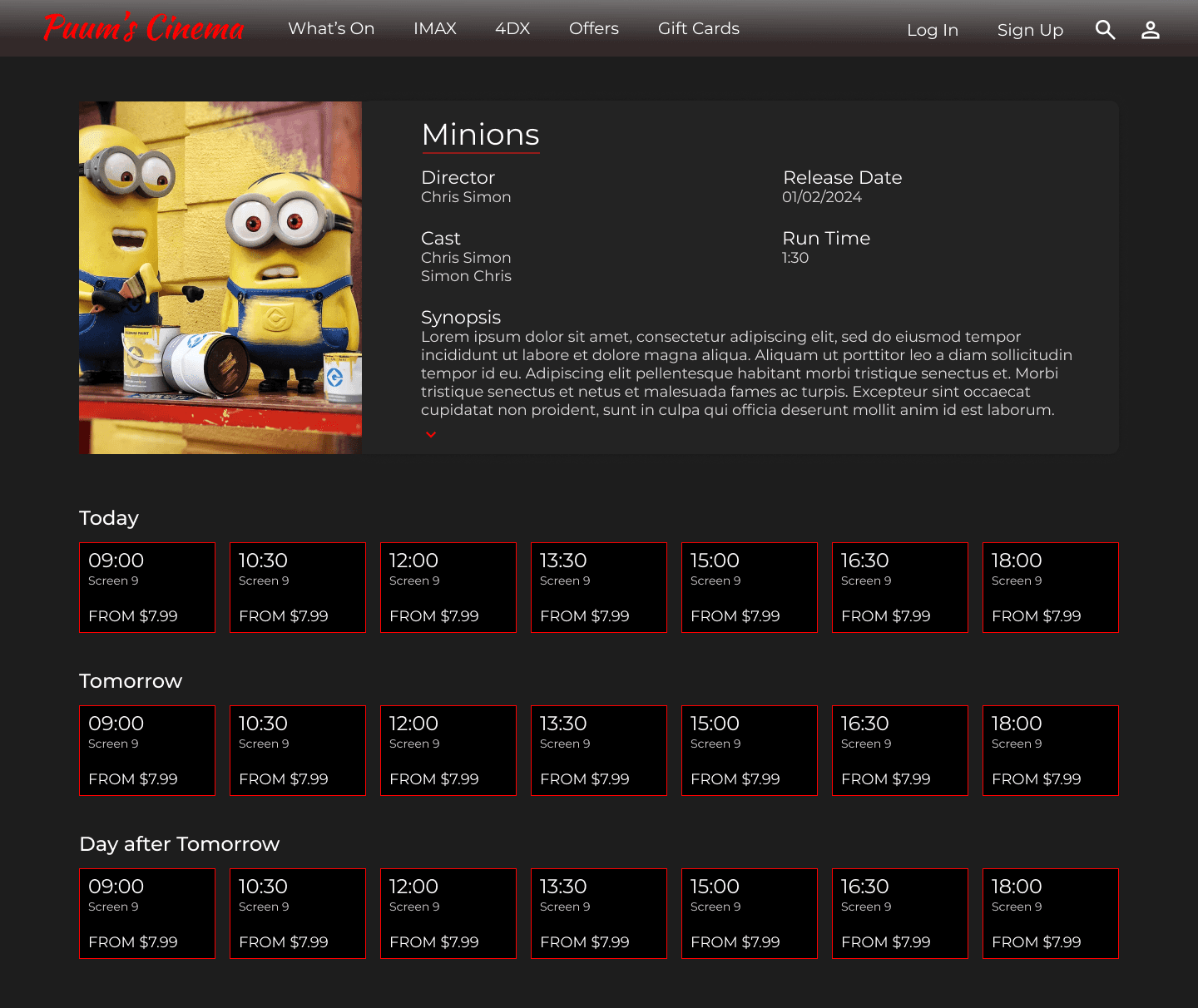
Based on the insights from the usability study, I made changes to improve the site’s day and time flow. Some of the changes I made was expanding the time slots and adding information. This allowed users to get more information about movie sessions without having to look elsewhere.
What’s Up
IMAX
What’s Up
IMAX
Search
Select Location
Back to
Home Page
Voting/Results
Back to
Home Page
Log In
Forgot Passport?
Back to
Home Page
Sign Up
Back to
Home Page
4DX
Offers
Day and Time
Seats
Bank Details
Confirmation
Gift Cards
Home Page
Menu
Search
Special Offers
Movie
Location
Log In
Sign Up
Voting
SITEMAP
Difficulty with website navigation was a primary pain point for users, so I used that knowledge to create a sitemap.
My goal here was to make strategic information architecture decisions that would improve overall website navigation. The structure I chose was designed to make things simple and easy.
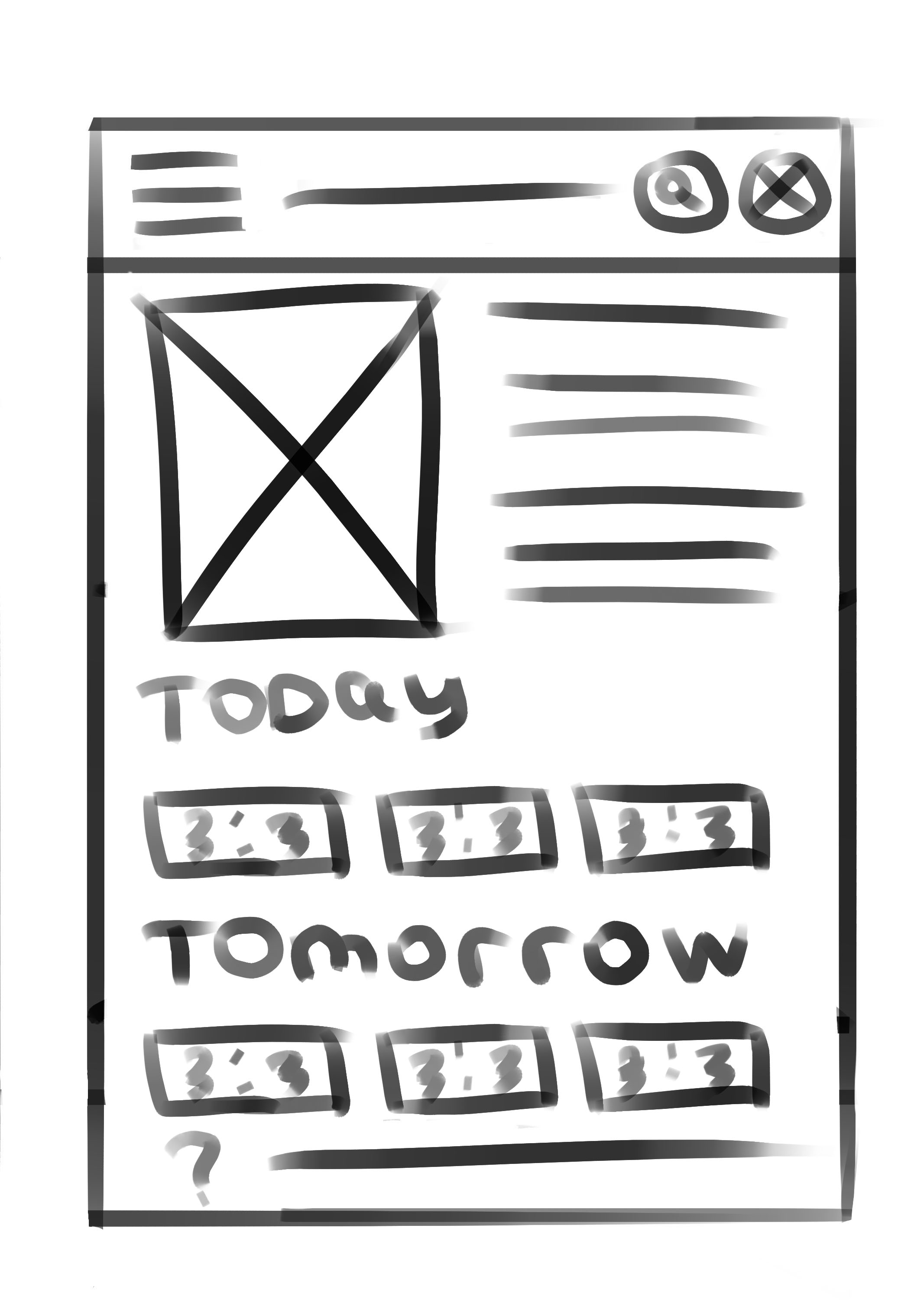
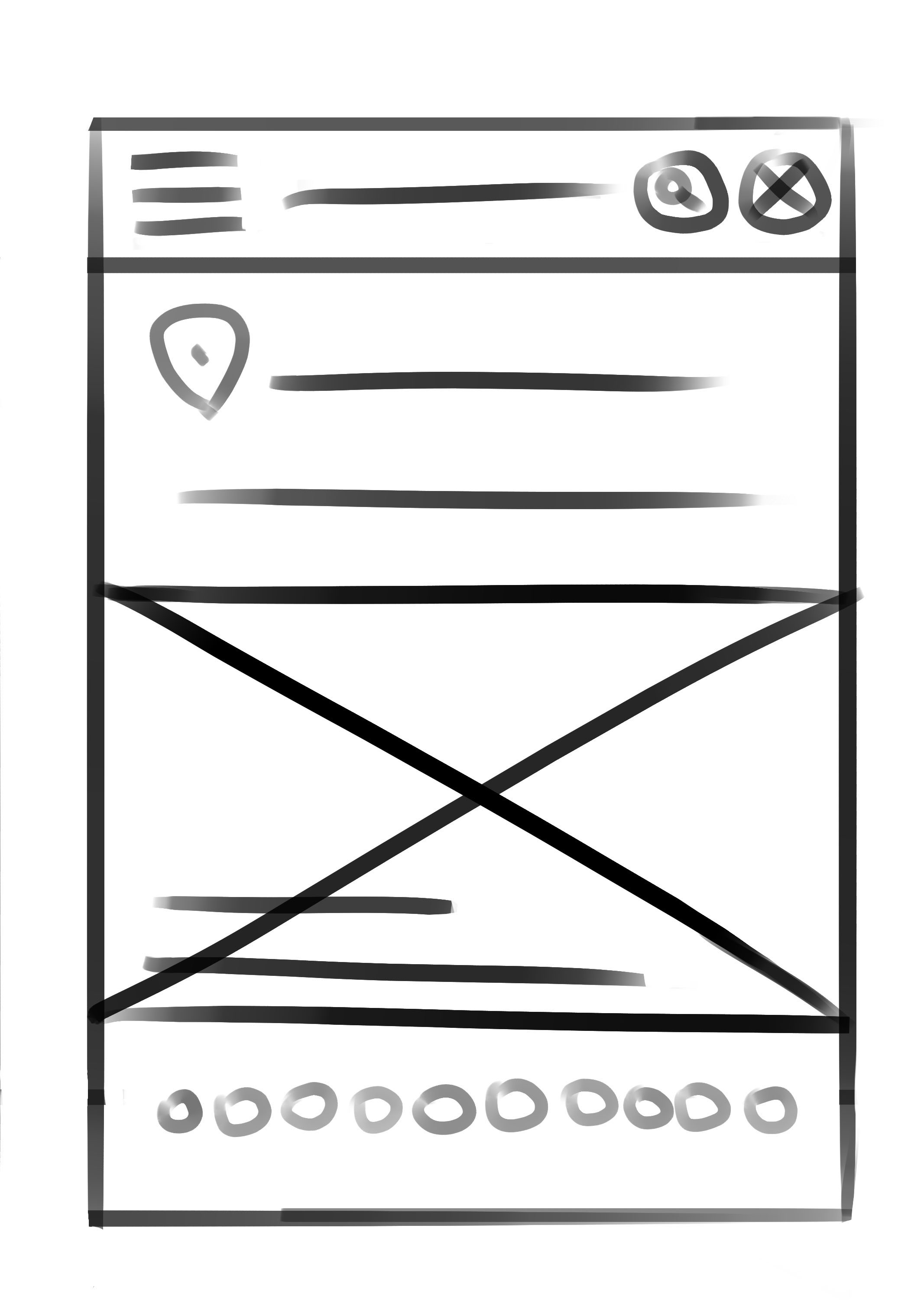
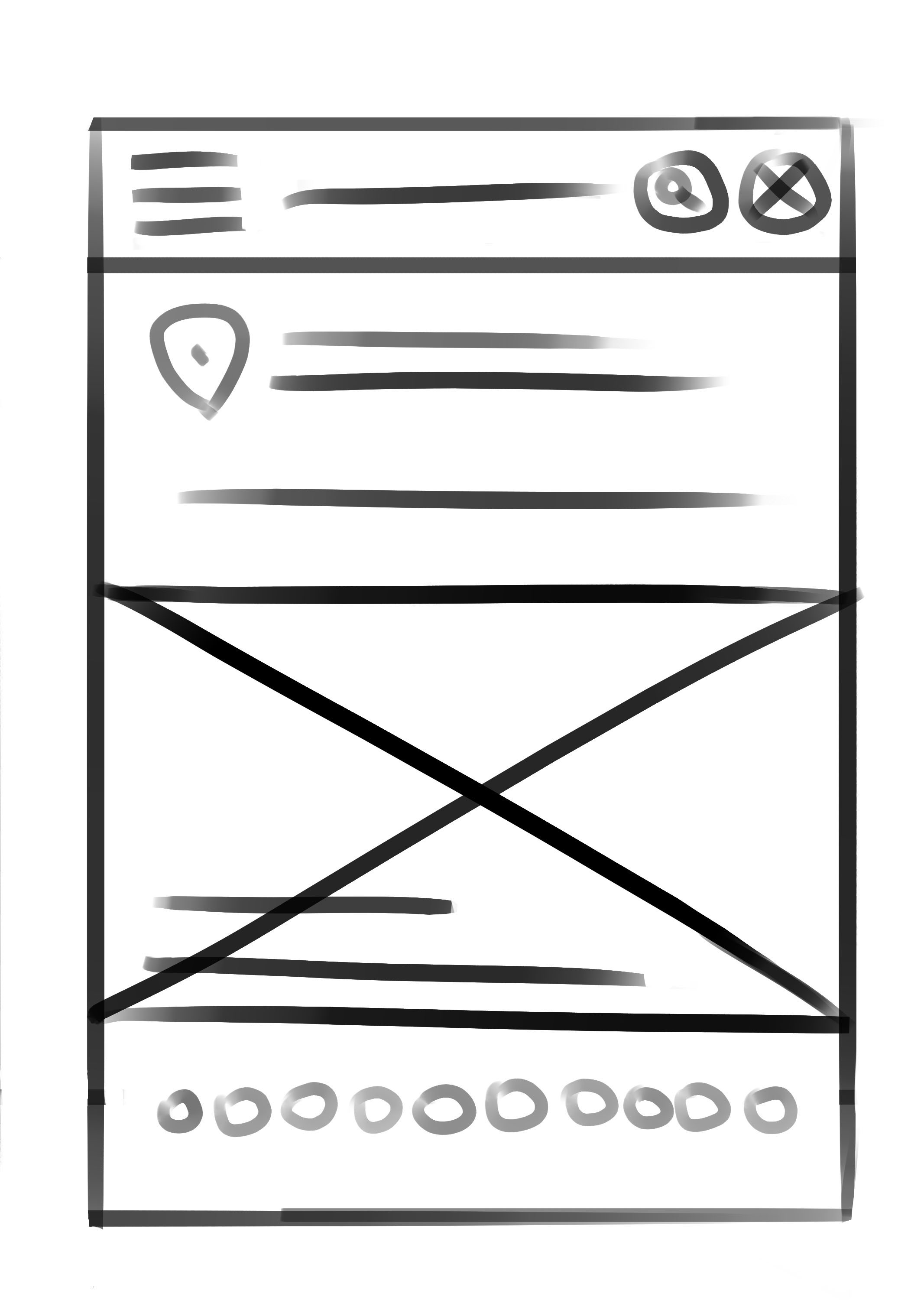
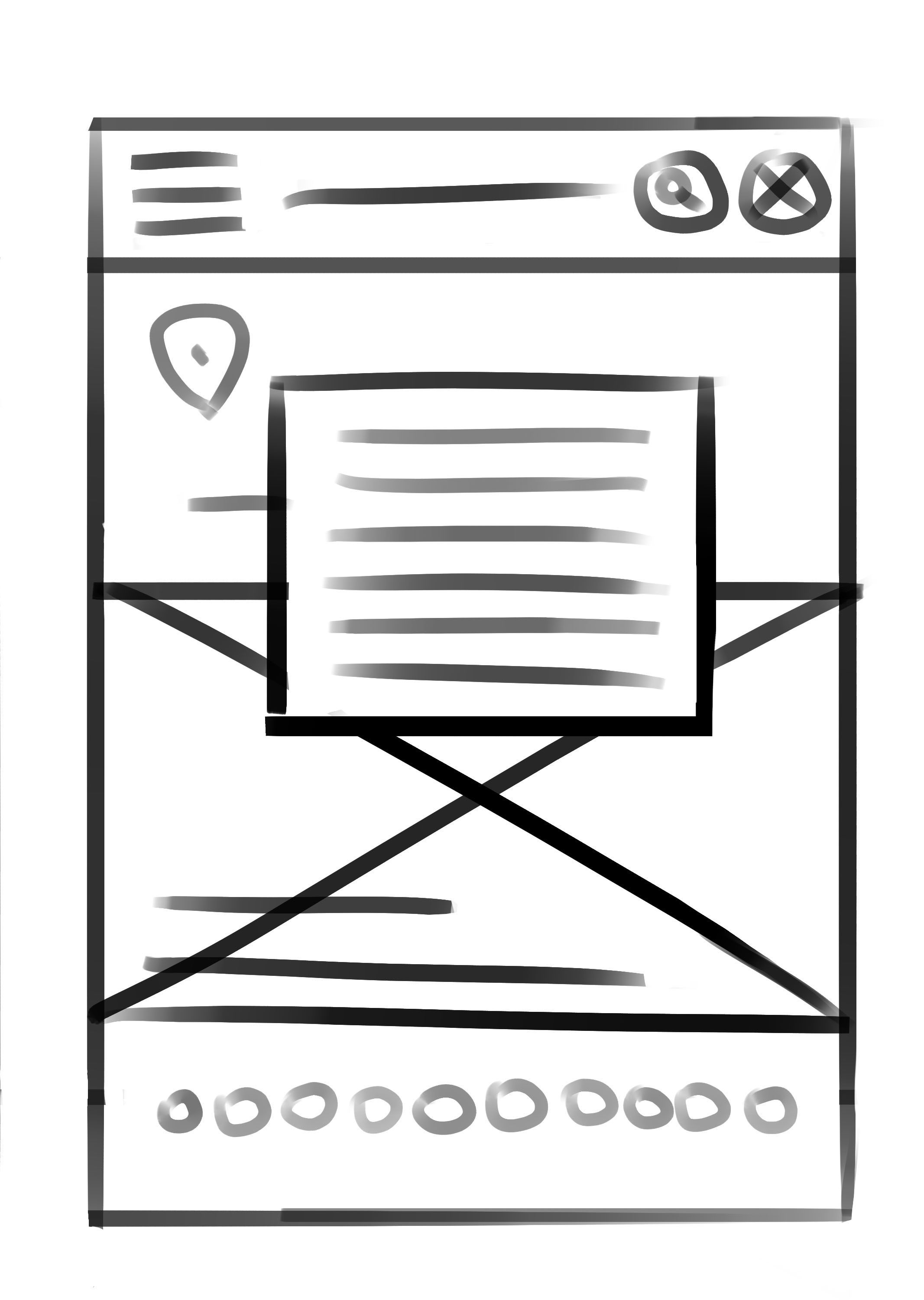
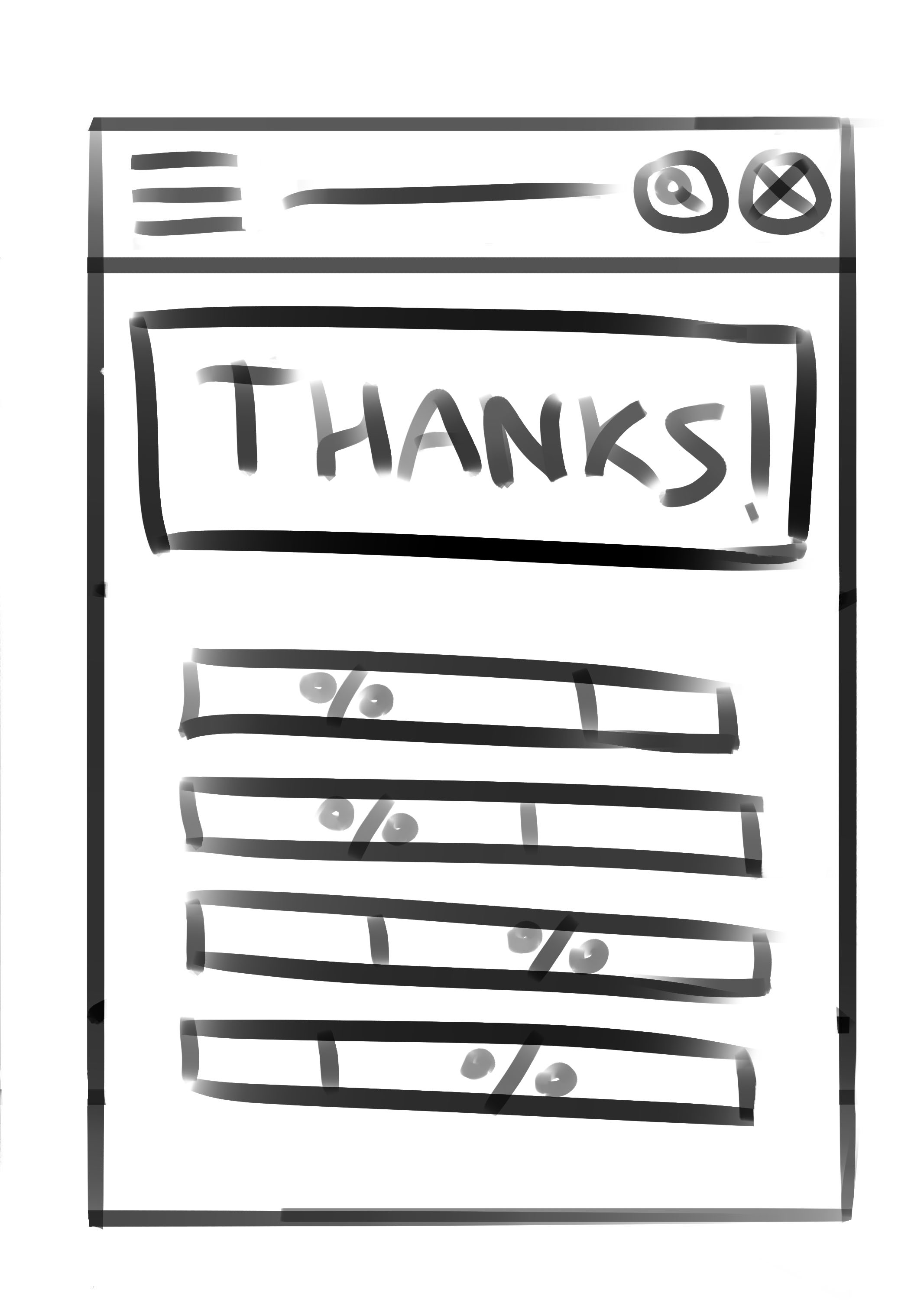
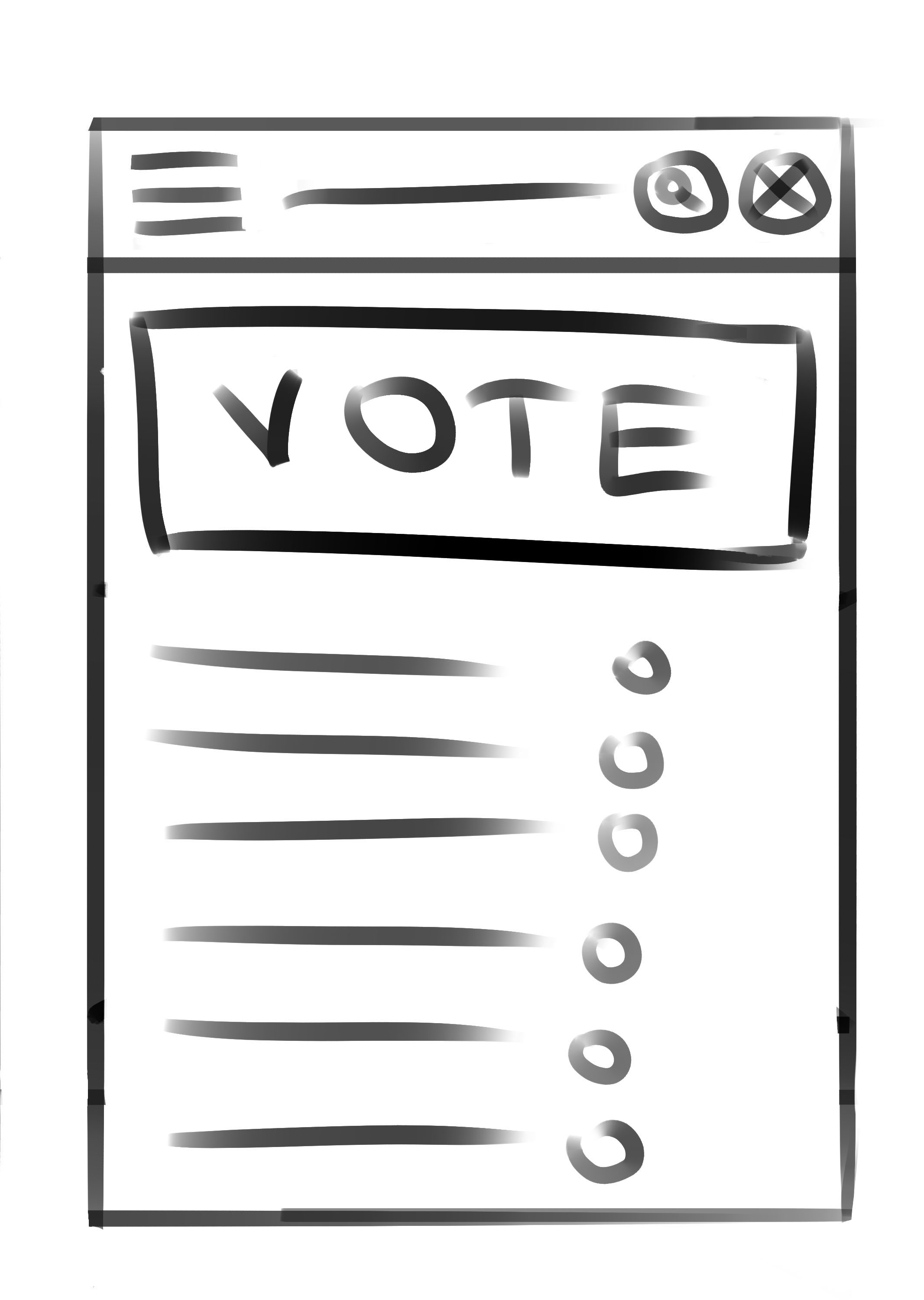
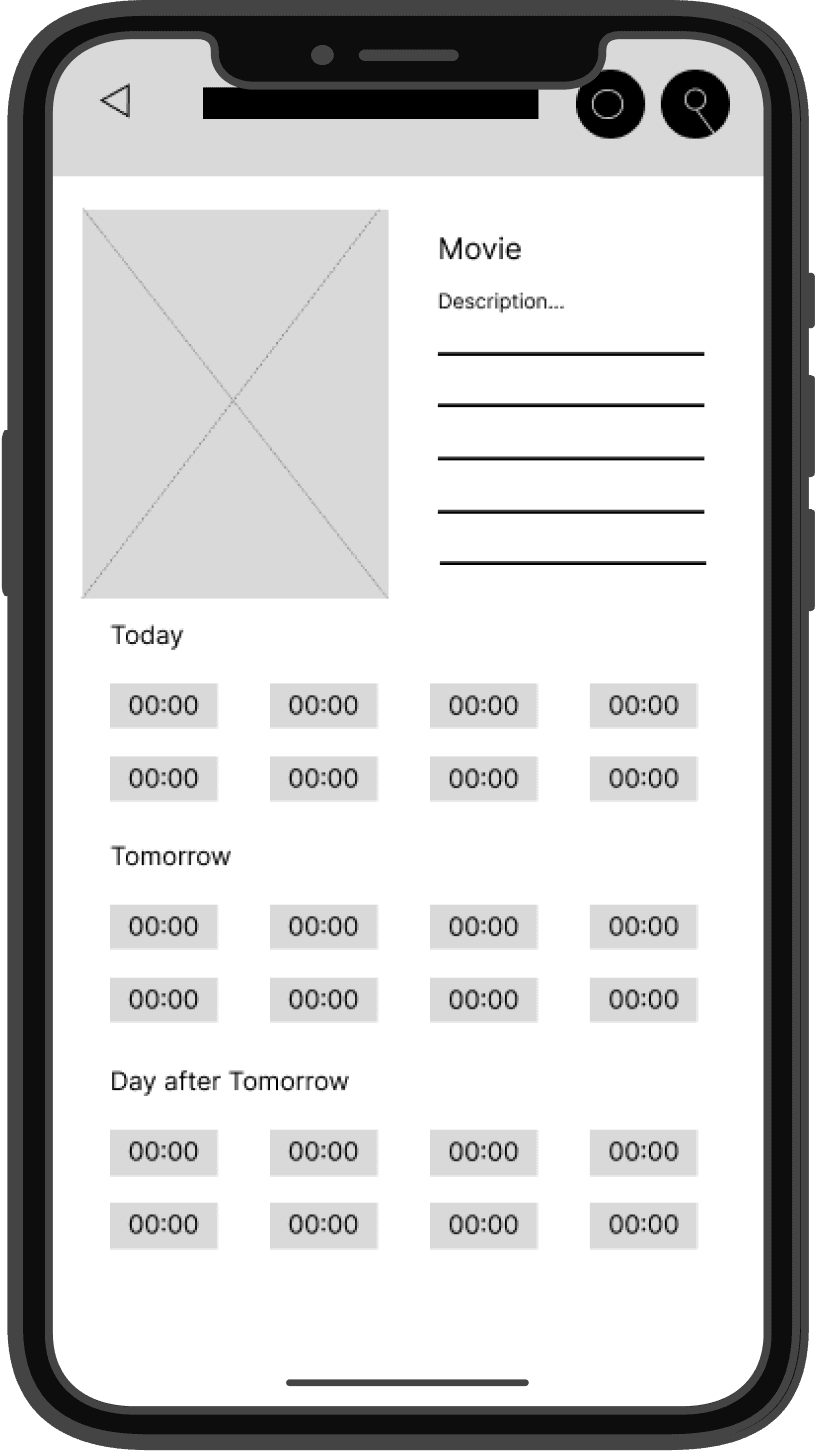
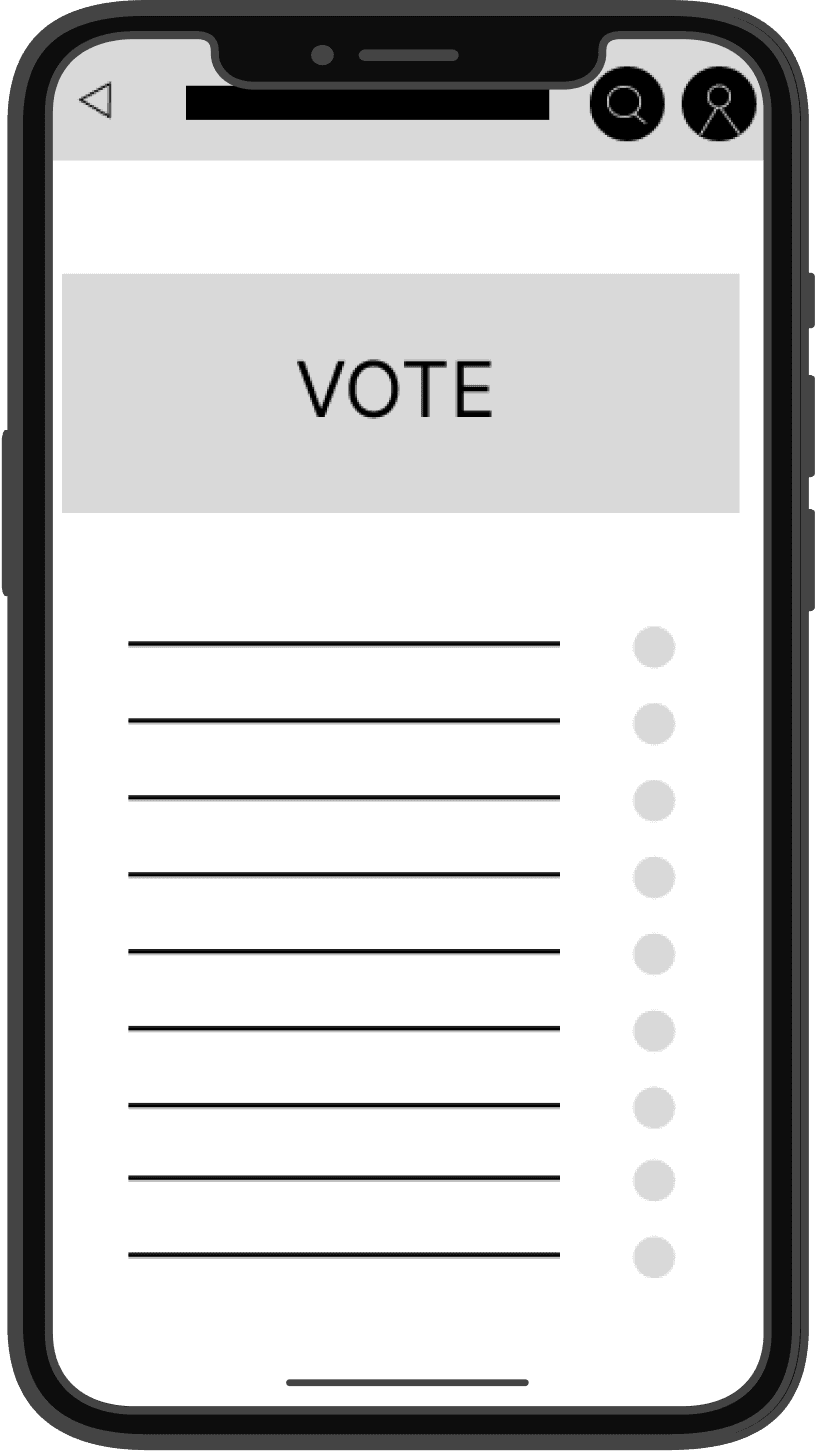
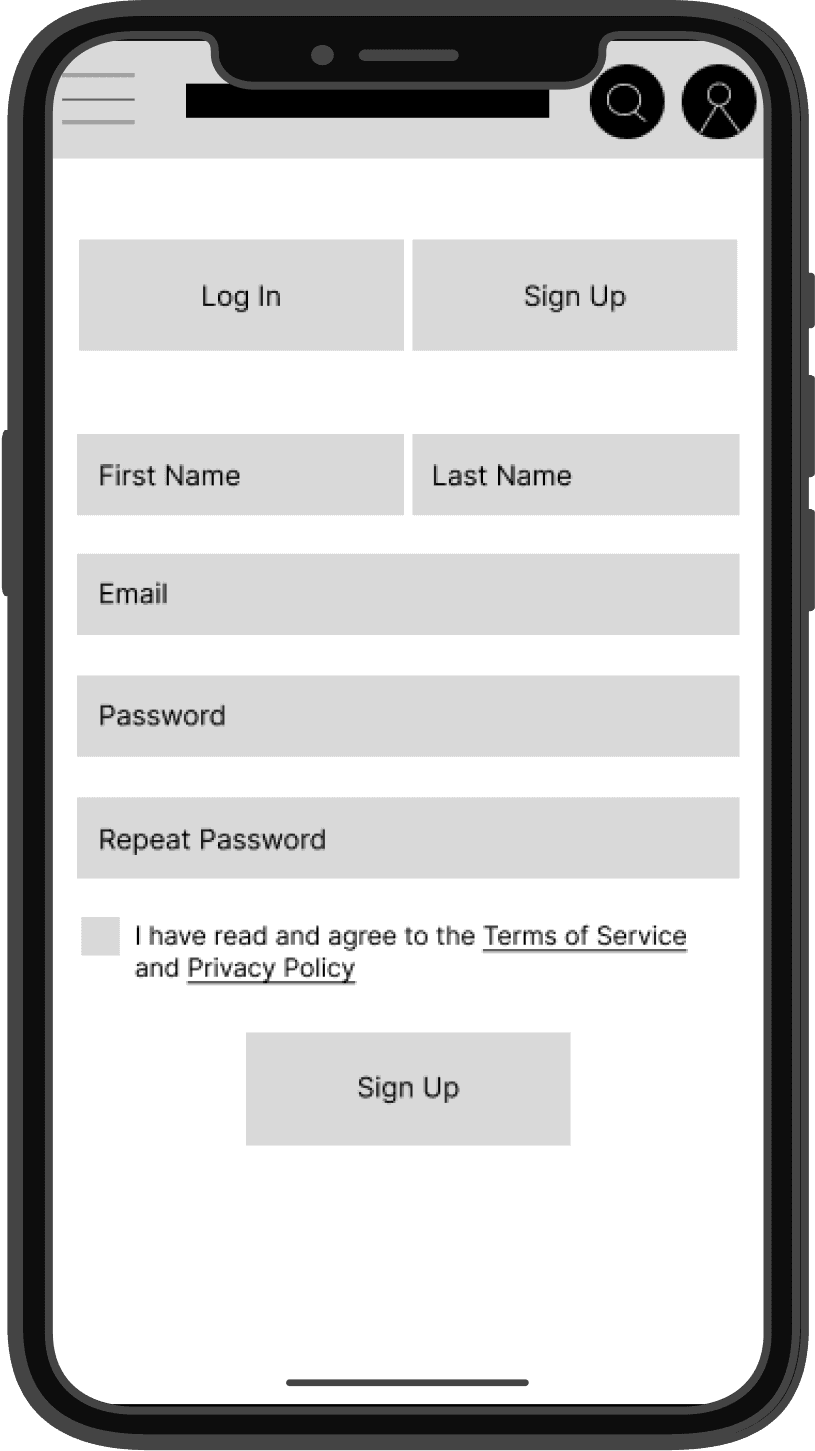
PAPER WIREFRAMES
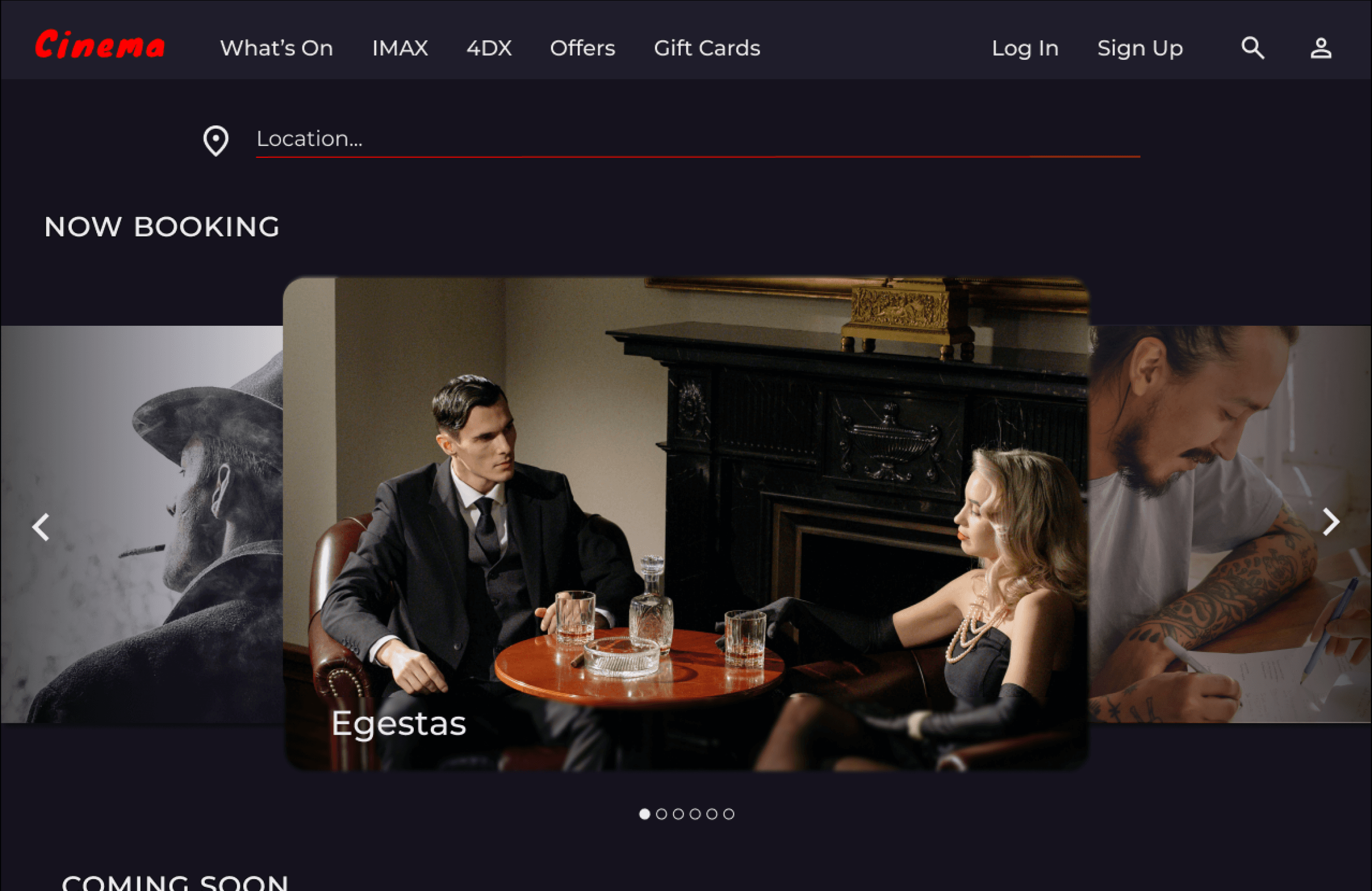
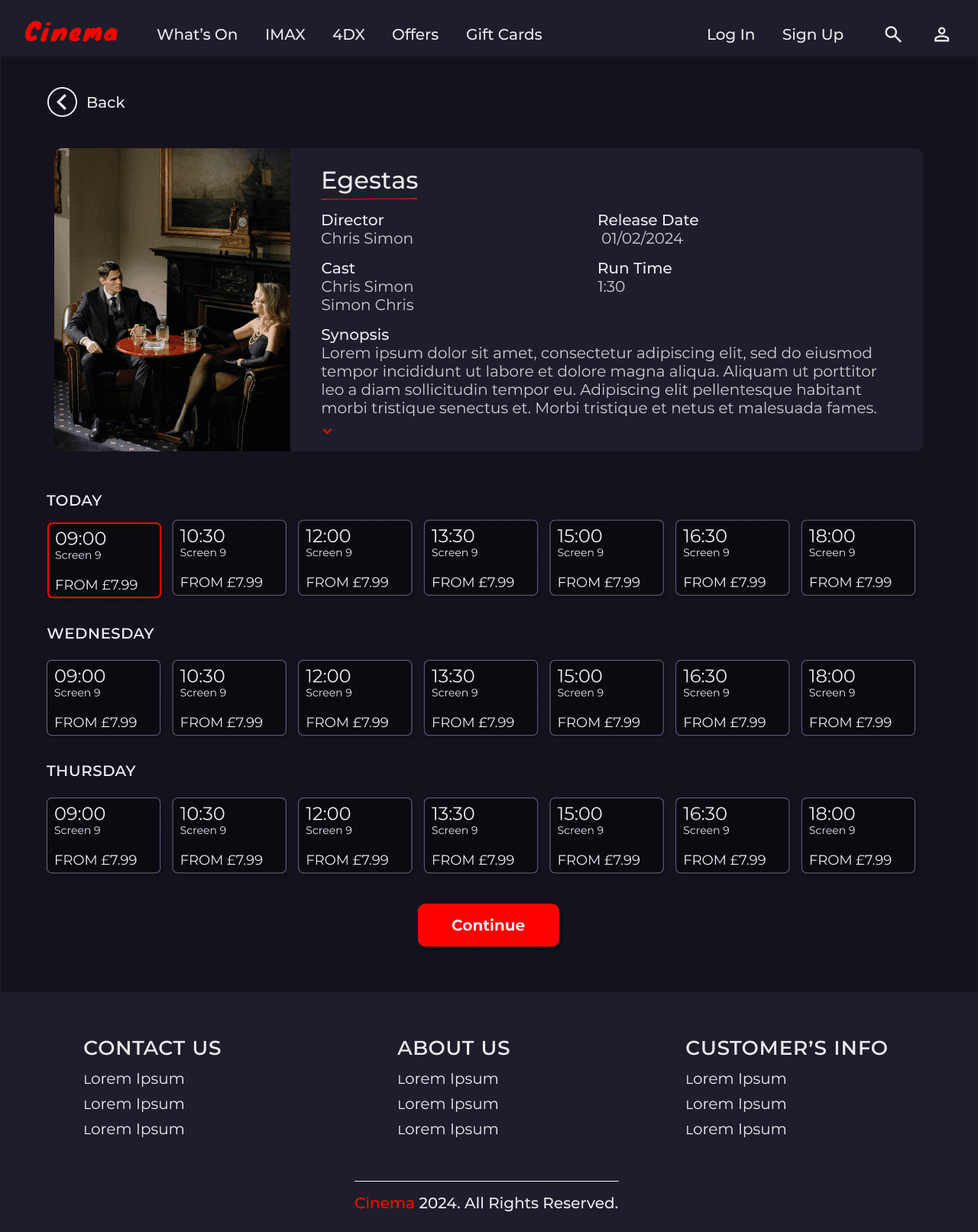
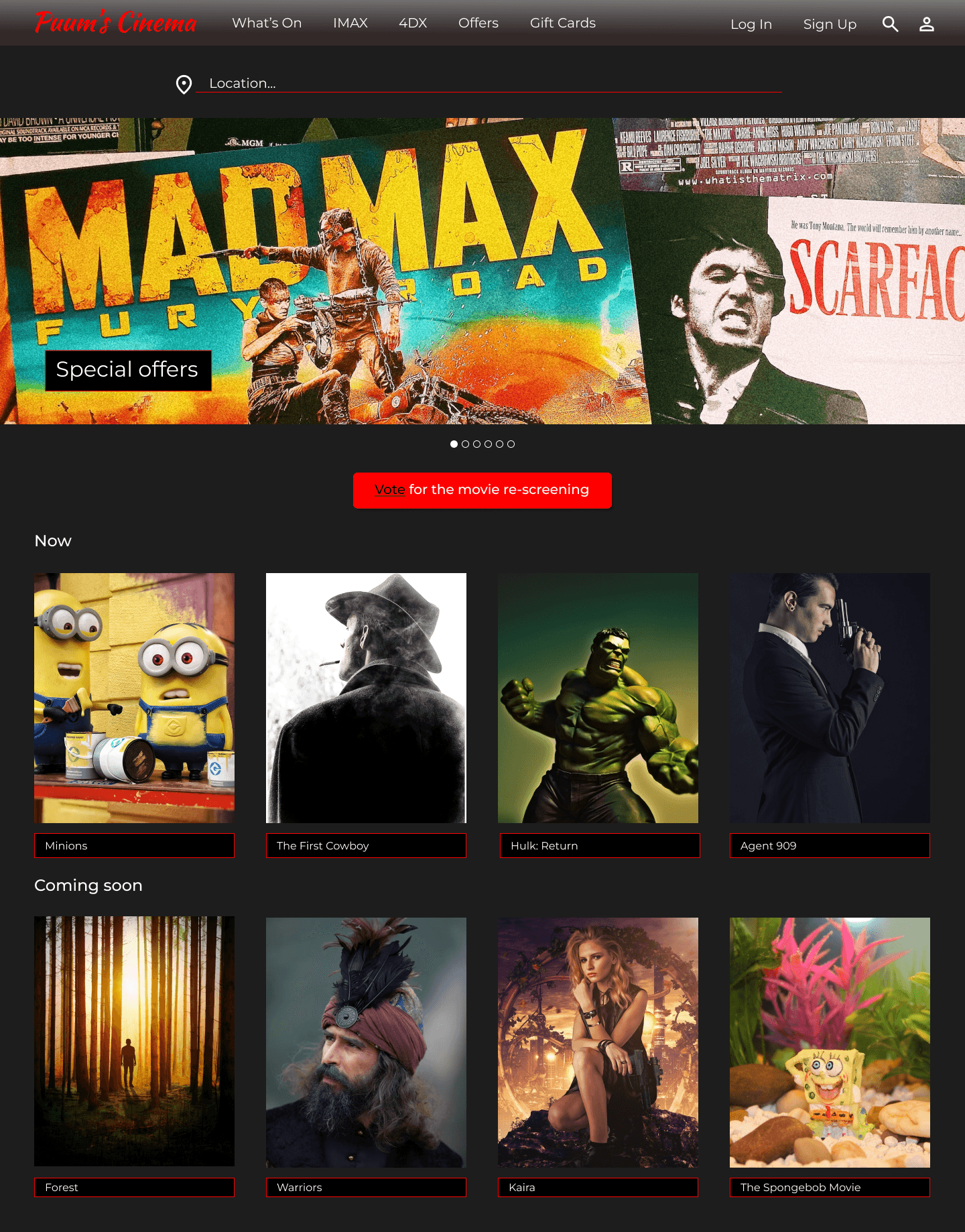
Taking the time to draft iterations of each screen of the website on paper ensured that the elements that made it to digital wireframes would be well-suited to address user pain points. For the home screen, I prioritised a quick and easy ordering process to help users save time.
DIGITAL WIREFRAMES
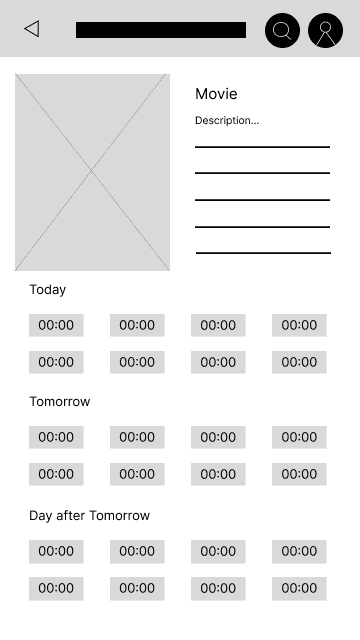
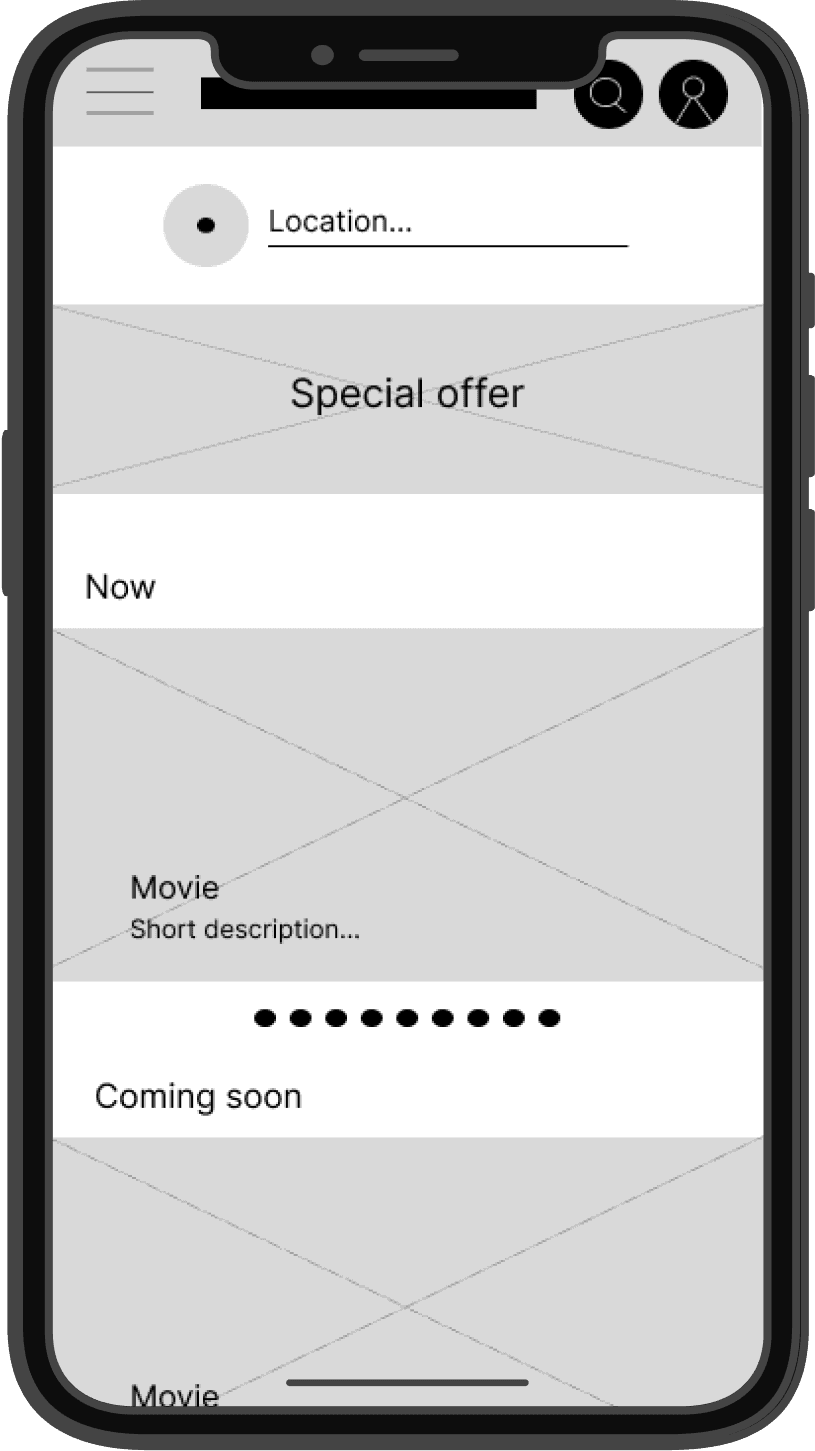
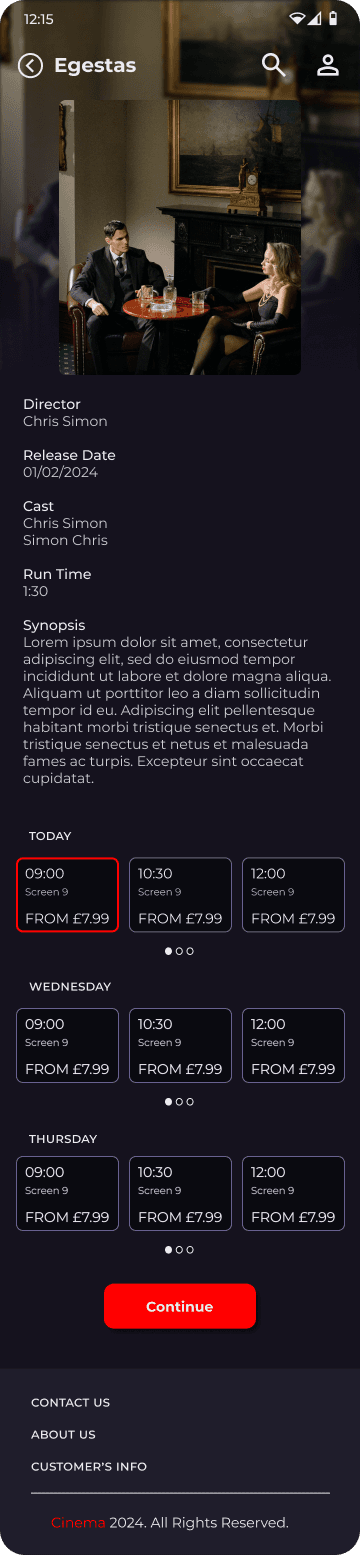
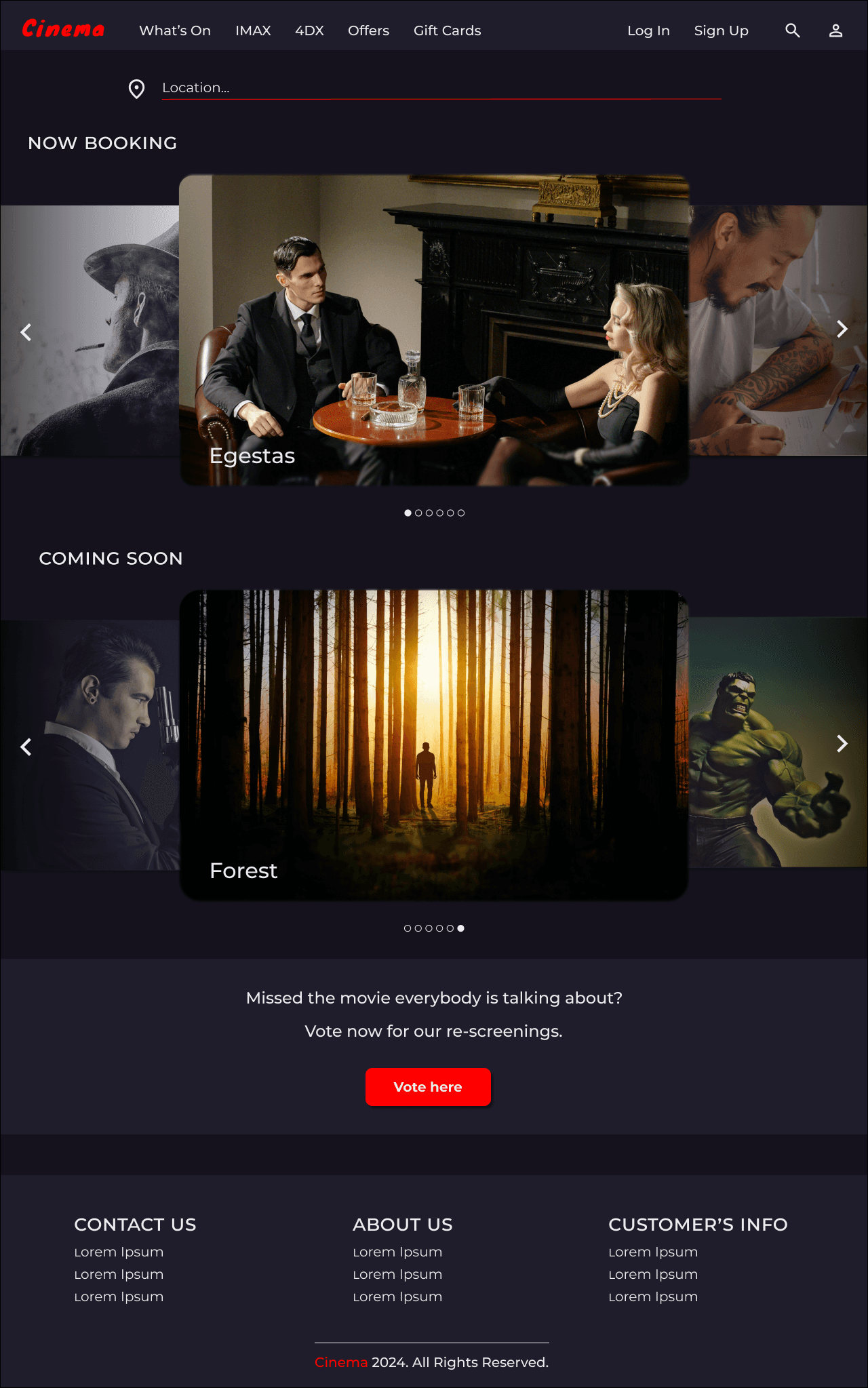
Moving from paper to digital wireframes made it easy to understand how the redesign could help address user pain points and improve the user experience.
Prioritising useful button locations and visual element placement on the home page was a key part of my strategy.
Intuitive way to access buttons and screens.
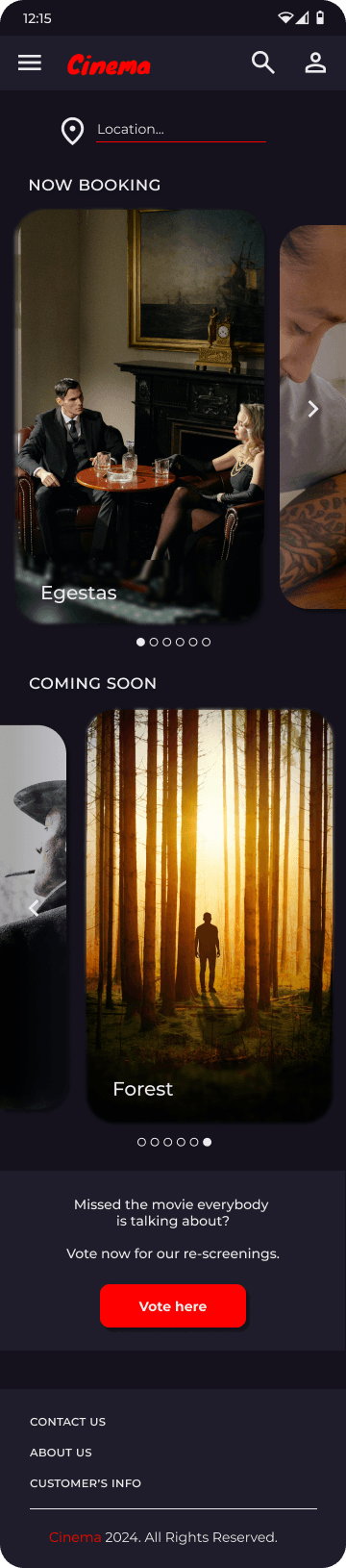
Homepage is optimised for easy browsing through the cards of images and nav menu options.
Back to
Home Page
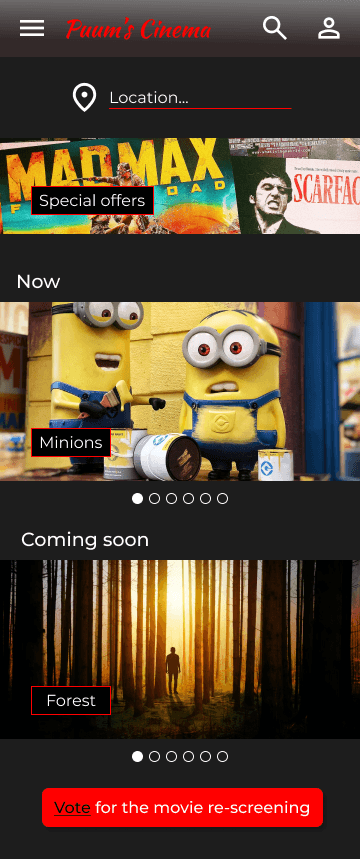
Old Version
New Version
ITERATIONS
After deepening my knowledge of user interface design, I changed my design system to make it look up to date and user-friendly. I adjusted font sizes to improve readability and visual hierarchy, and changed spacing for better visual balance.
USABILITY STUDY: FINDINGS
I conducted two rounds of usability studies. Findings from the first study helped guide the designs from wireframes to mockups. The second study used a high-fidelity prototype and revealed what aspects of the mockups needed refining.
1
Users want more accessible prototypes
2
Users take a long time to complete a task and need a more intuitive way to access buttons and screens
3
Users need better cues for what steps are required to go back to the Home Screen
Round 1 findings
1
Users need less overloaded buttons
2
Сonfusion due to the proximity of objects, which led the participant to believe that they were related
Round 2 findings
USABILITY STUDY
Unmoderated usability study
Study Type

United Kingdom, remote
Location

5 participants
Participants

15-30 minutes
Length

IN-DEPTH INTERVIEW
In-depth interviews provide a deeper understanding of users' needs and expectations, allowing me explore the underlying reasons behind user behaviour. It helped me gather detailed, high-quality data on how users would use my platform.
Sofia
Daria
Elena
Julia
Anna
'I still don't know whether I tapped the right button, maybe this option should be more easy to understand on intuitive level'
'Maybe instead of stripes it's better to write a b c d for those who don't understand like me'
'You can't quite see when you tap it that it worked'
'I would be clearer even as a prototype to have names, but just lines? There is some dissonance, not very clear where to tap and what to do'
'It would be nice to have another button besides this one to quickly return to the home screen, instead of clicking back tabs. Maybe I didn't notice it?'
LET'S CONNECT

Thank you for your time reviewing my work on the Cinema’s website!
If you would like to see more or get in touch, my contact information is provided below.
Oxford
perepelytsa.ad@gmail.com
+447342134384
MOCK-UPS: SCREEN SIZE VARIATIONS
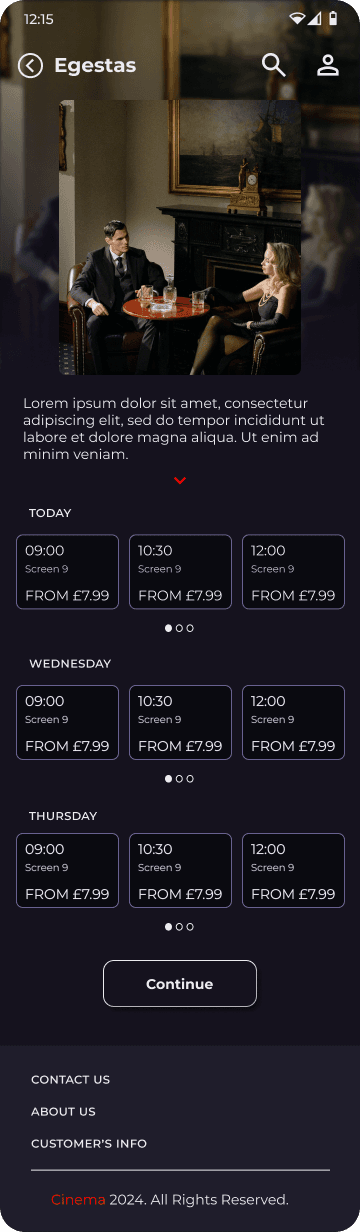
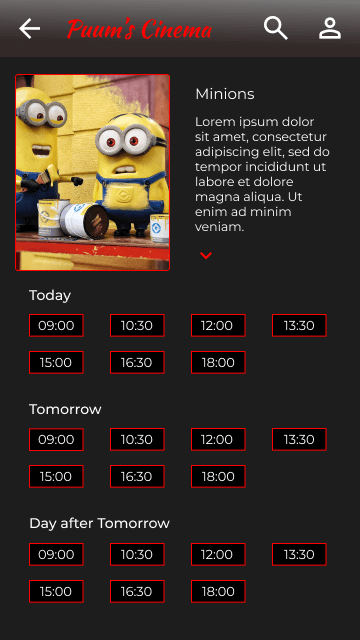
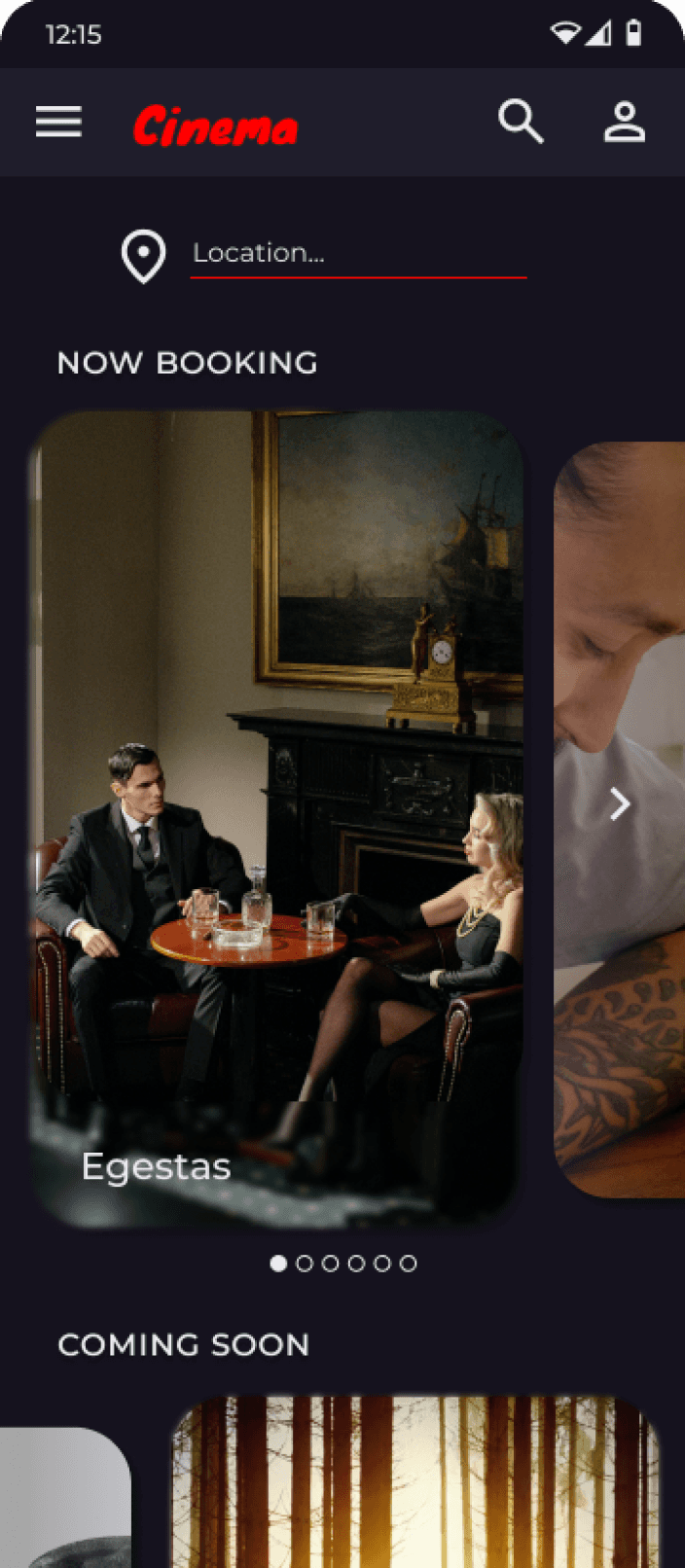
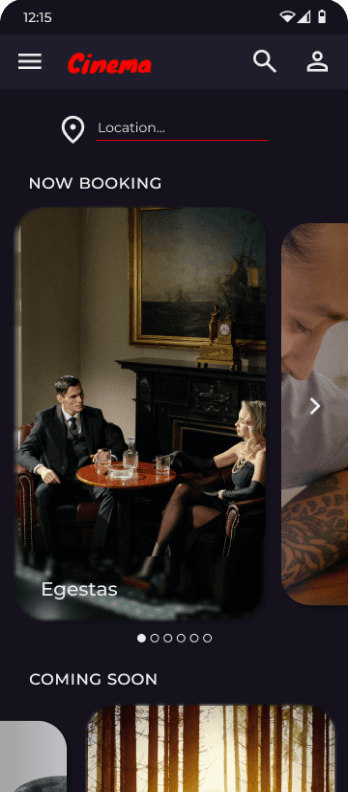
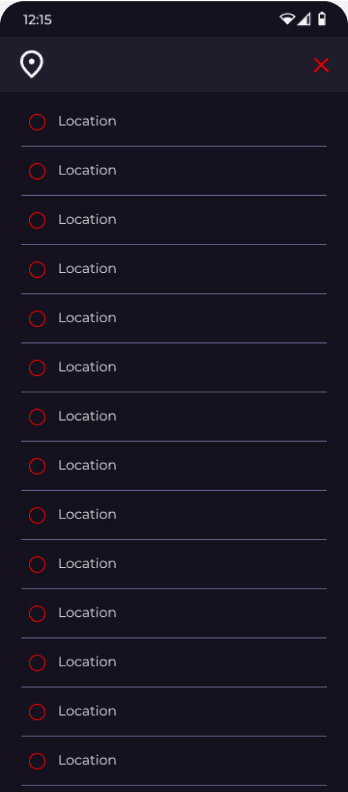
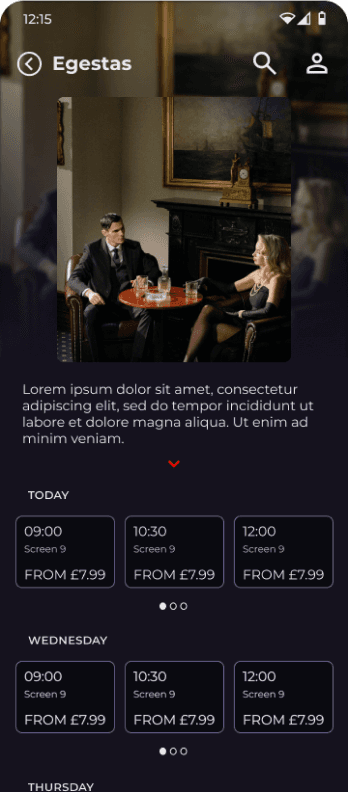
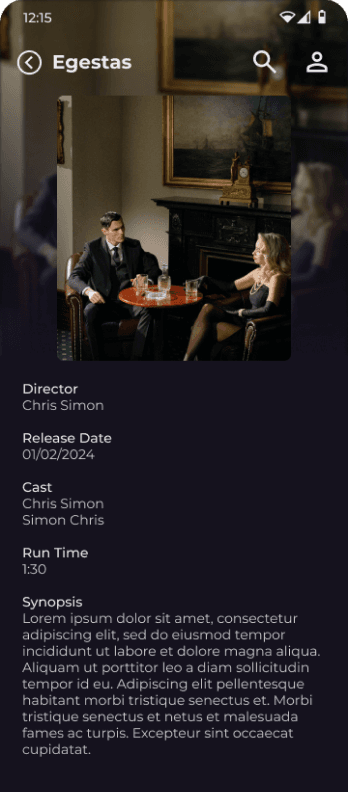
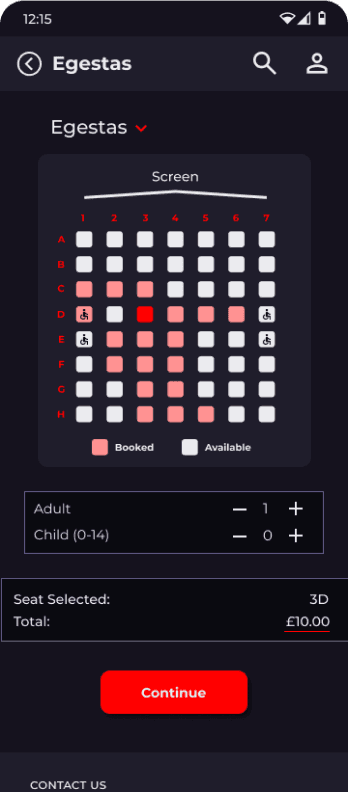
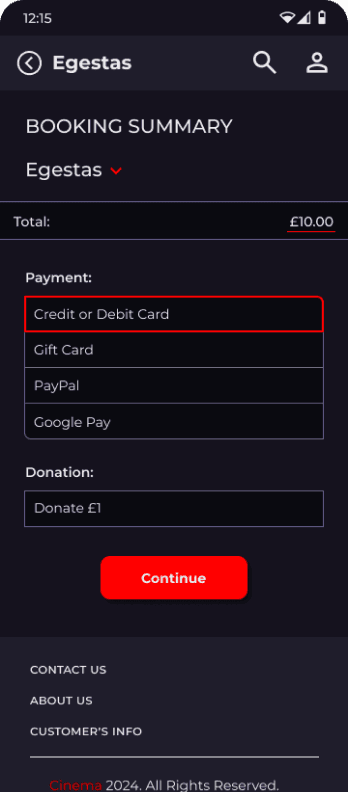
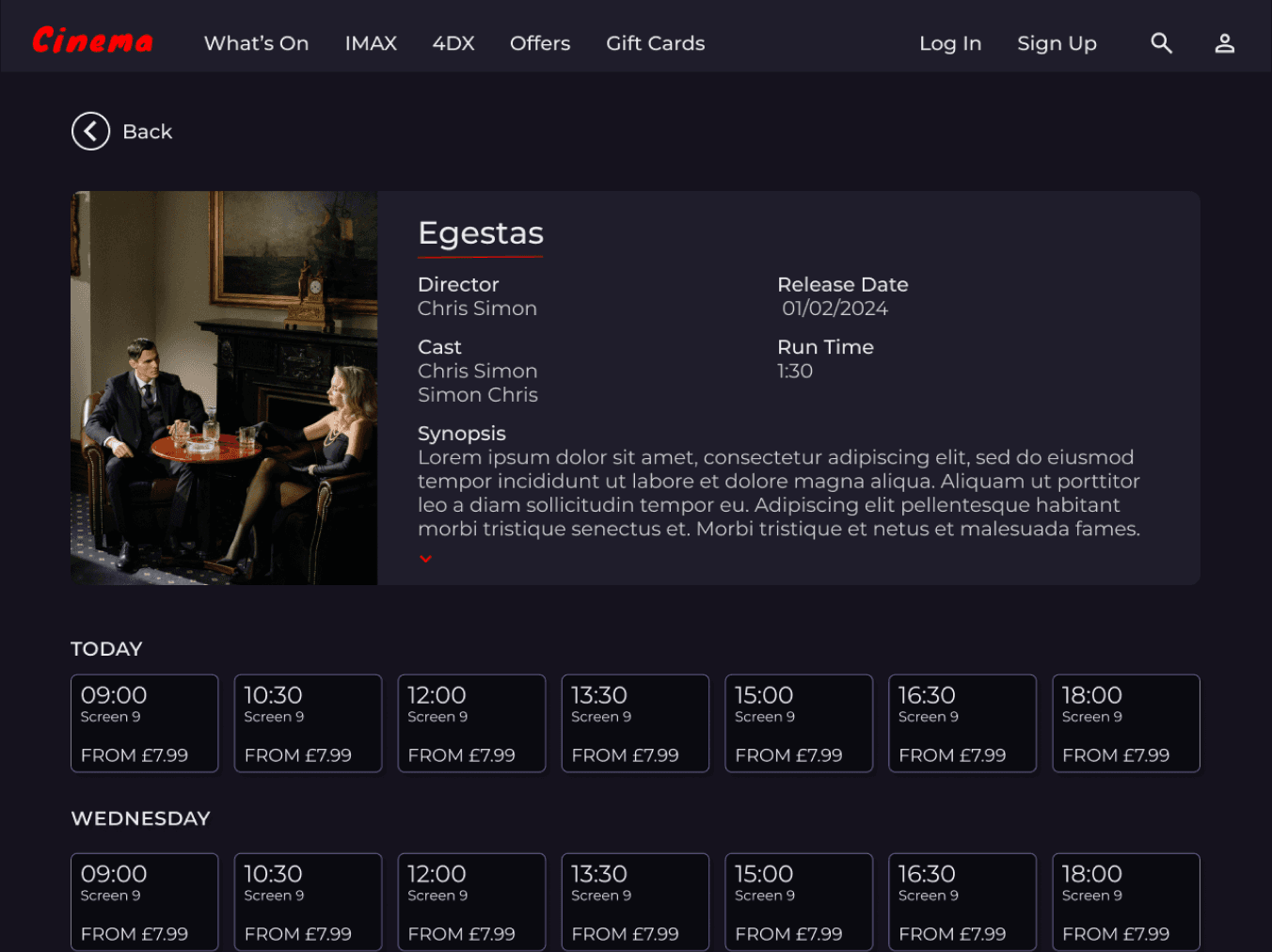
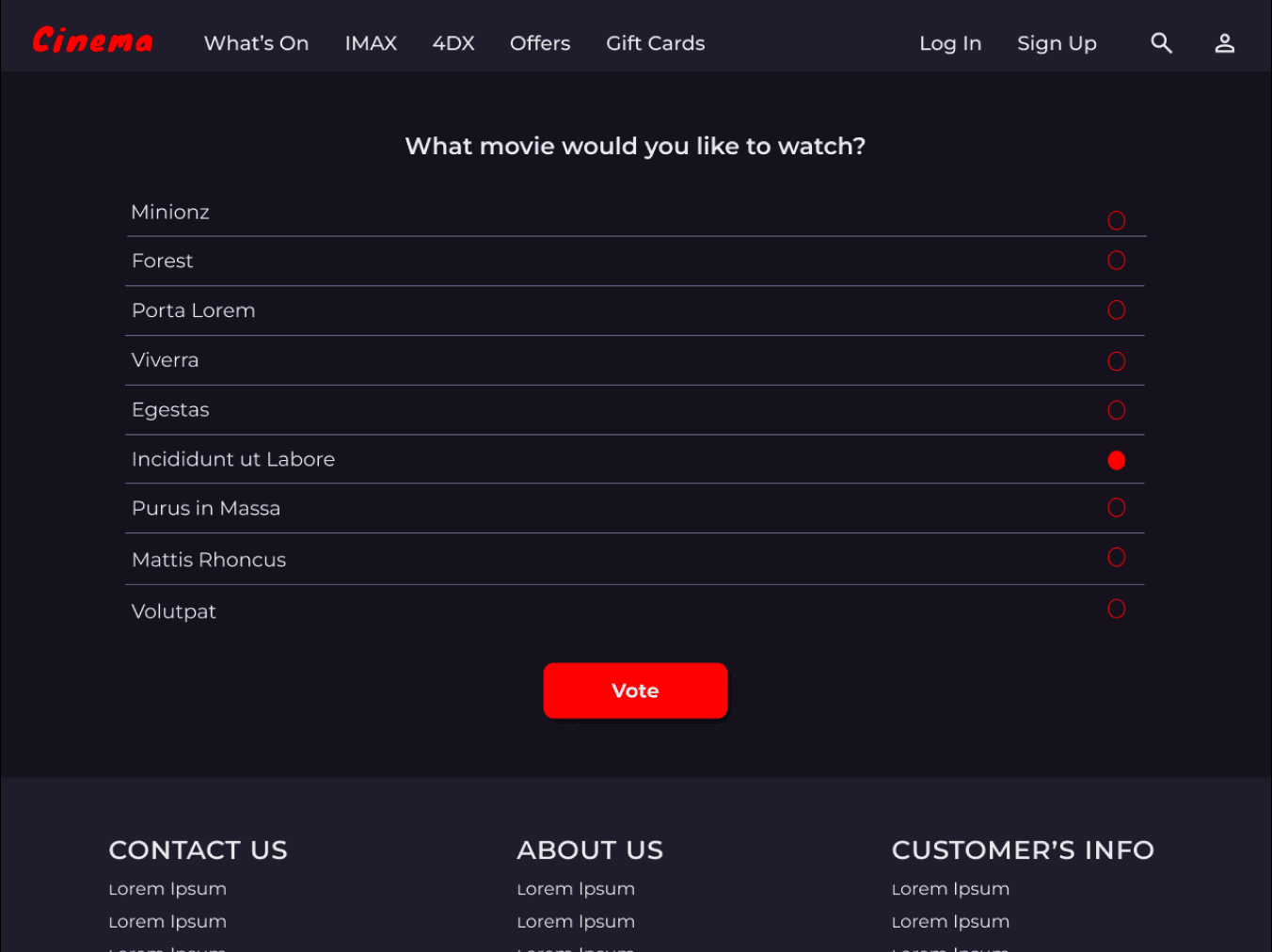
I included considerations for additional screen sizes in my mockups based on my earlier wireframes. Because users buy tickets from a variety of devices, I felt it was important to optimise the browsing experience for a range of device sizes, such as mobile and tablet so users have the smoothest experience possible.
TAKEAWAYS
Our target users shared that the design was intuitive to navigate through, more engaging with the images, and demonstrated a clear visual hierarchy.
Impact
I learned that even a small design change can have a huge impact on the user experience. The most important takeaway for me is to always focus on the real needs of the user when coming up with design ideas and solutions.
What I learned


Category
Cinema
App

Cinema
LOW-FIDELITY PROTOTYPE
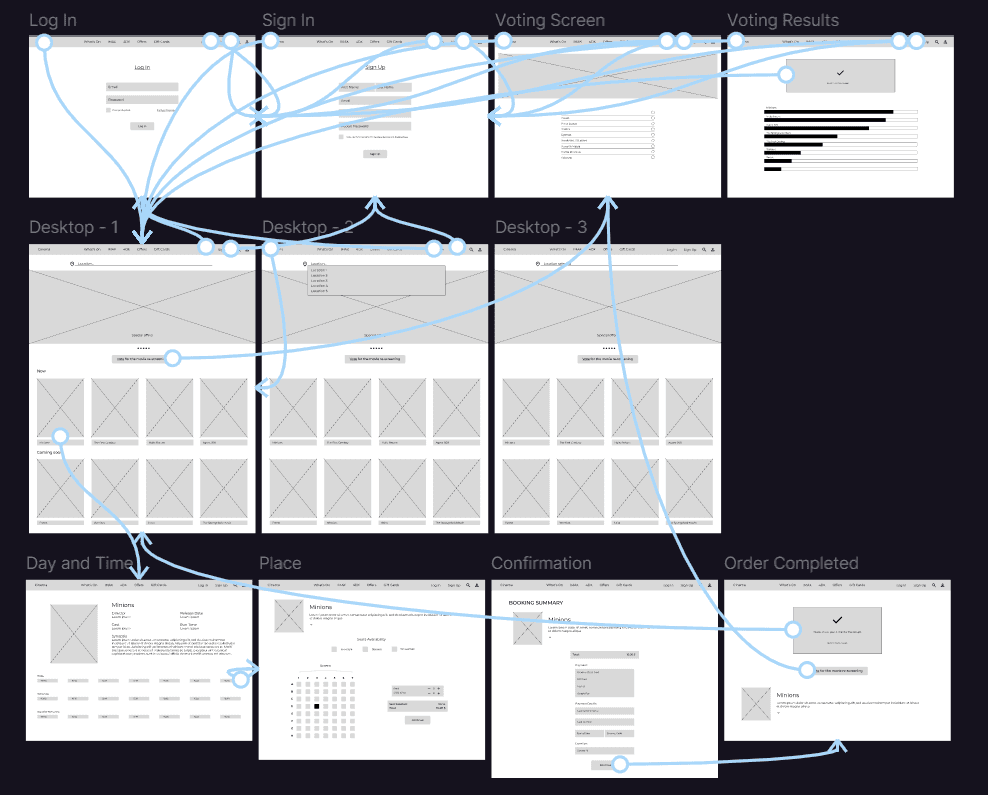
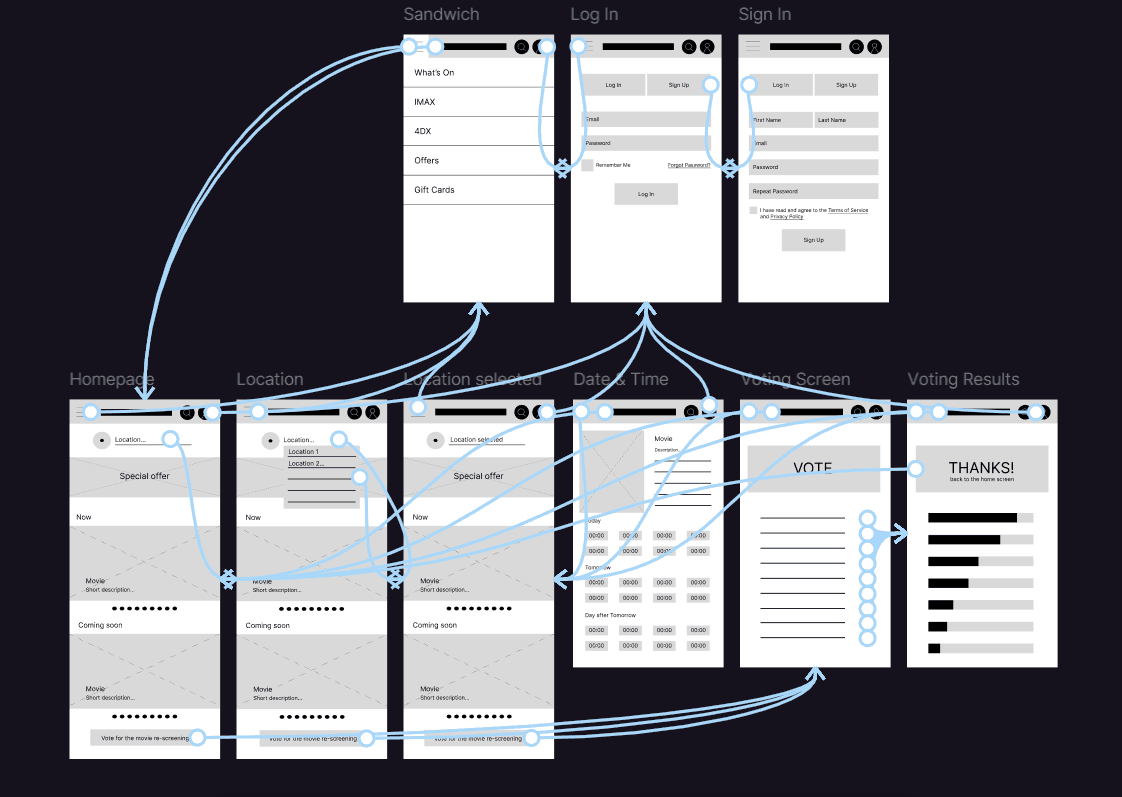
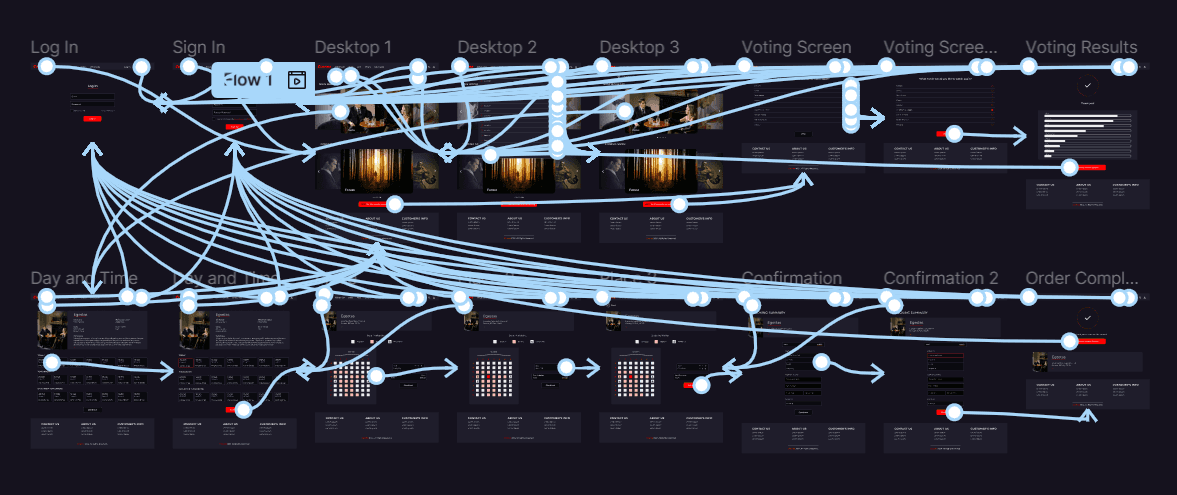
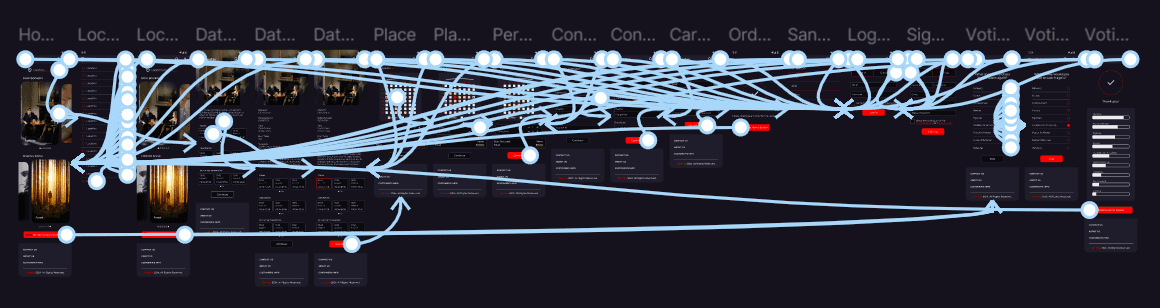
Using the completed set of digital wireframes, I created a low-fidelity prototype. The primary user flow I connected was ticket purchases through a website, so the prototype could be used in a usability study.
View the low-fidelity prototype - phone
View the low-fidelity prototype - desktop
HIGH-FIDELITY PROTOTYPE
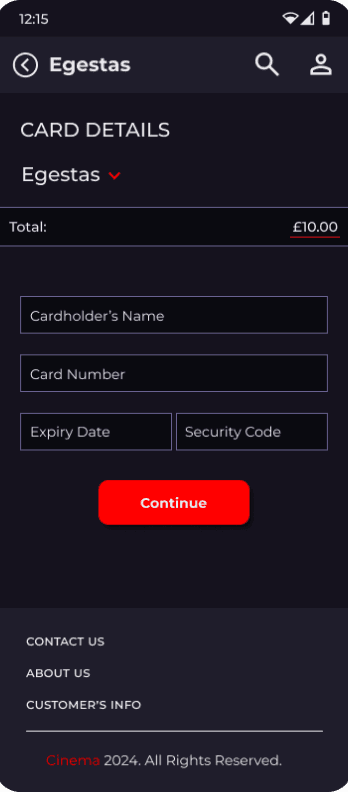
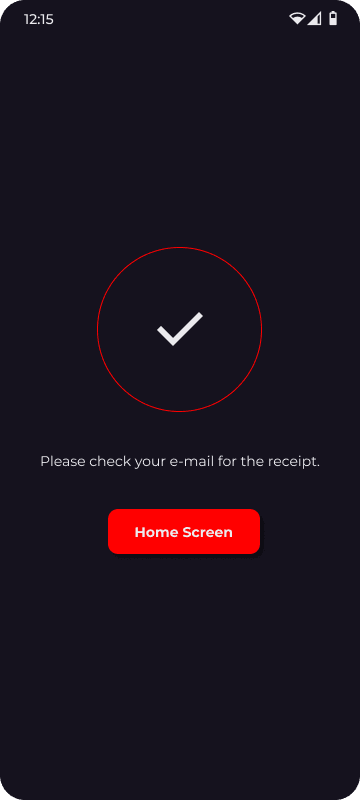
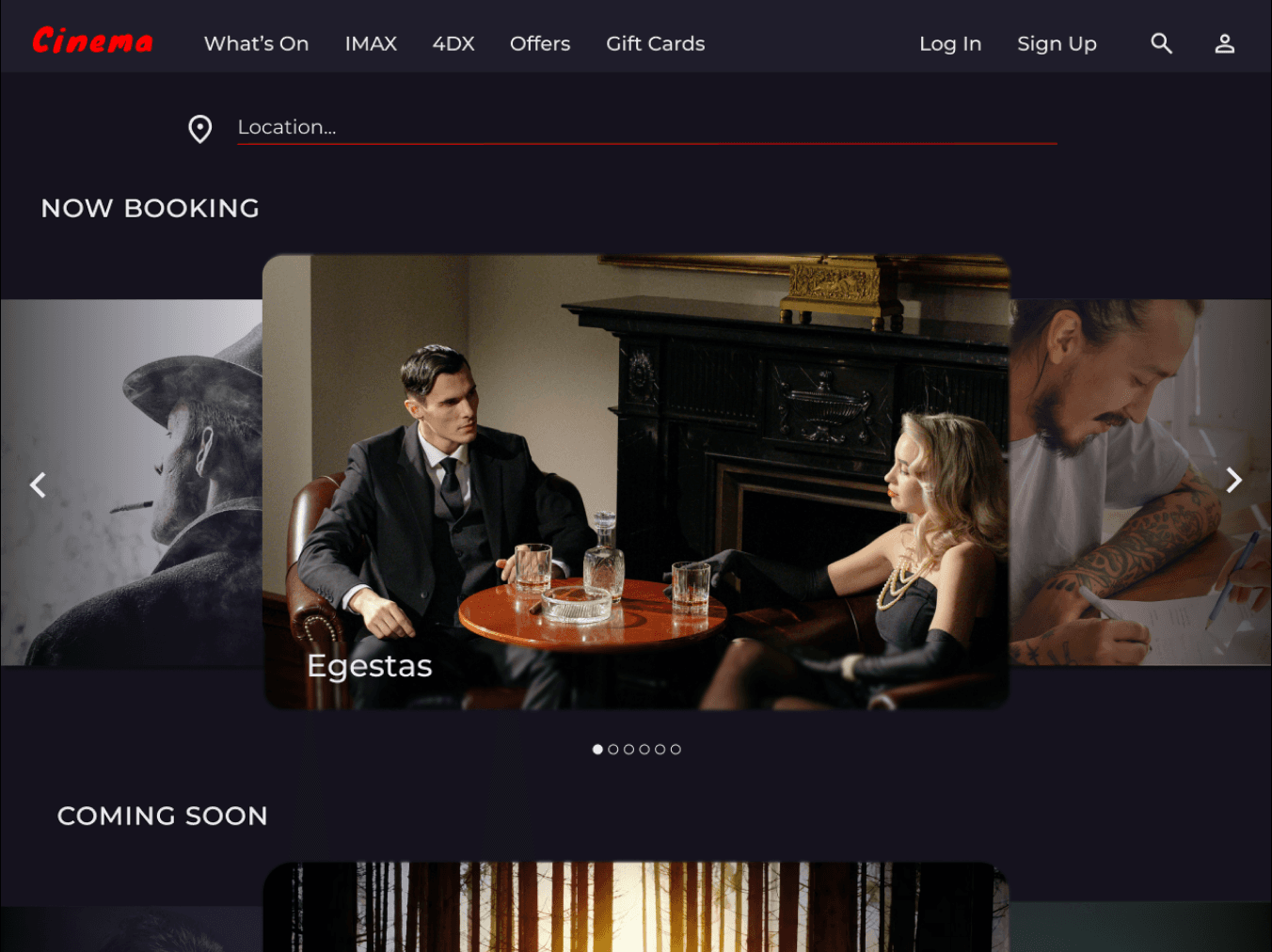
The final high-fidelity prototype presented cleaner user flows for ticket purchases. It also met user needs for movie re-screening as well as more customisation.
View the high-fidelity prototype - phone
View the high-fidelity prototype - desktop
DESIGN SYSTEM - TYPOGRAPHY, ICONS, COMPONENTS, COLOURS
Aa
A B C D E F G H I J K L M N O P Q R S T U V W X Y Z
A B C D E F G H I J K L M N O P Q R S T U V W X Y Z
0 1 2 3 4 5 6 7 8 9
Montserrat SemiBold
Montserrat Medium
Montserrat Regular
Accent
#FF0000
Primary
#1F1D2B
Secondary
#696291
Accent 2
#FF9292
Text
#EBEBEF
Background
#0A0A10
Background 2
#15121E
Phone
Continue
Continue
Desktop
Continue
Continue